
Plans and credits
Compare Kinisma's plans (Free, Pay as you go and the BYOK Lifetime license), see what credits cost and what a video uses, and check your plan in the app.
Your plan decides how many videos you can make, how long they can be, the export resolution, whether exports carry a watermark, and where the AI runs.
The plans
| Free | Pay as you go | BYOK Lifetime | |
|---|---|---|---|
| Price | $0 | No monthly fee: buy credits | $297, one time |
| Videos | 3 a month | As many as your credits allow | Unlimited |
| Longest video | 60 s | 3 min | Any length |
| Resolution | 720p | 1080p | Up to 4K |
| Watermark | Yes | No | No |
| AI | Your own OpenRouter key | Kinisma credits (no key needed) | Your own OpenRouter key |
| Storage on the dashboard | 2 GB | 10 GB | 100 GB |
Compare and buy on kinisma.com/pricing. Payments, receipts and refunds: Payments and refunds.
Credits (pay as you go)
On pay as you go, Kinisma provides the AI and you pay with credits:
- 1 credit = $0.005. $5 = 1,000 credits, $10 = 2,000, $25 = 5,000. Buy from $5 to $500 at a time.
- A typical one-minute video uses about 200 credits (about $1). Explainers with AI-composed music use a little more; product tutorials about 120 a minute; a short motivational video a few dozen. Changes you ask for after the build use credits too.
- Credits never expire.
- You're charged for what's used: the AI model's work, the voice-over, the music and any web research.
In the app, your balance shows in the top bar and in the menus. Settings → Account lists the credit prices of each model. The voice and music options in the New video window show their prices in credits too.
Buy credits from the account menu (Credits & billing) or the website. See Usage and billing.
Your own key (Free and Lifetime)
On Free and Lifetime, the AI runs on your own OpenRouter key: you pay OpenRouter directly, at cost (a typical video costs cents), and Kinisma adds nothing. See Bring your own key.
Check your plan in the app
Open Settings → Account, or click your avatar → Account & plan.
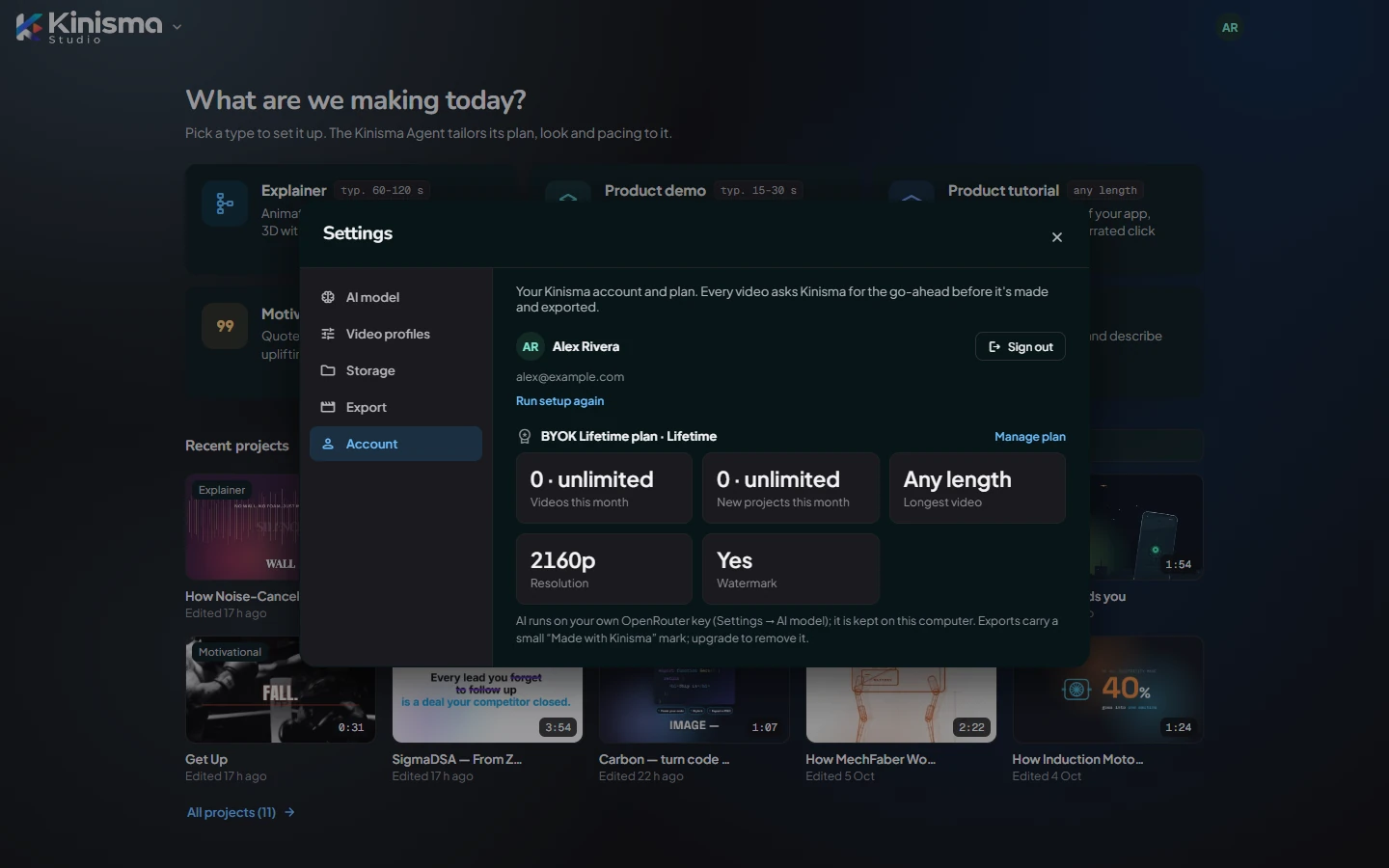
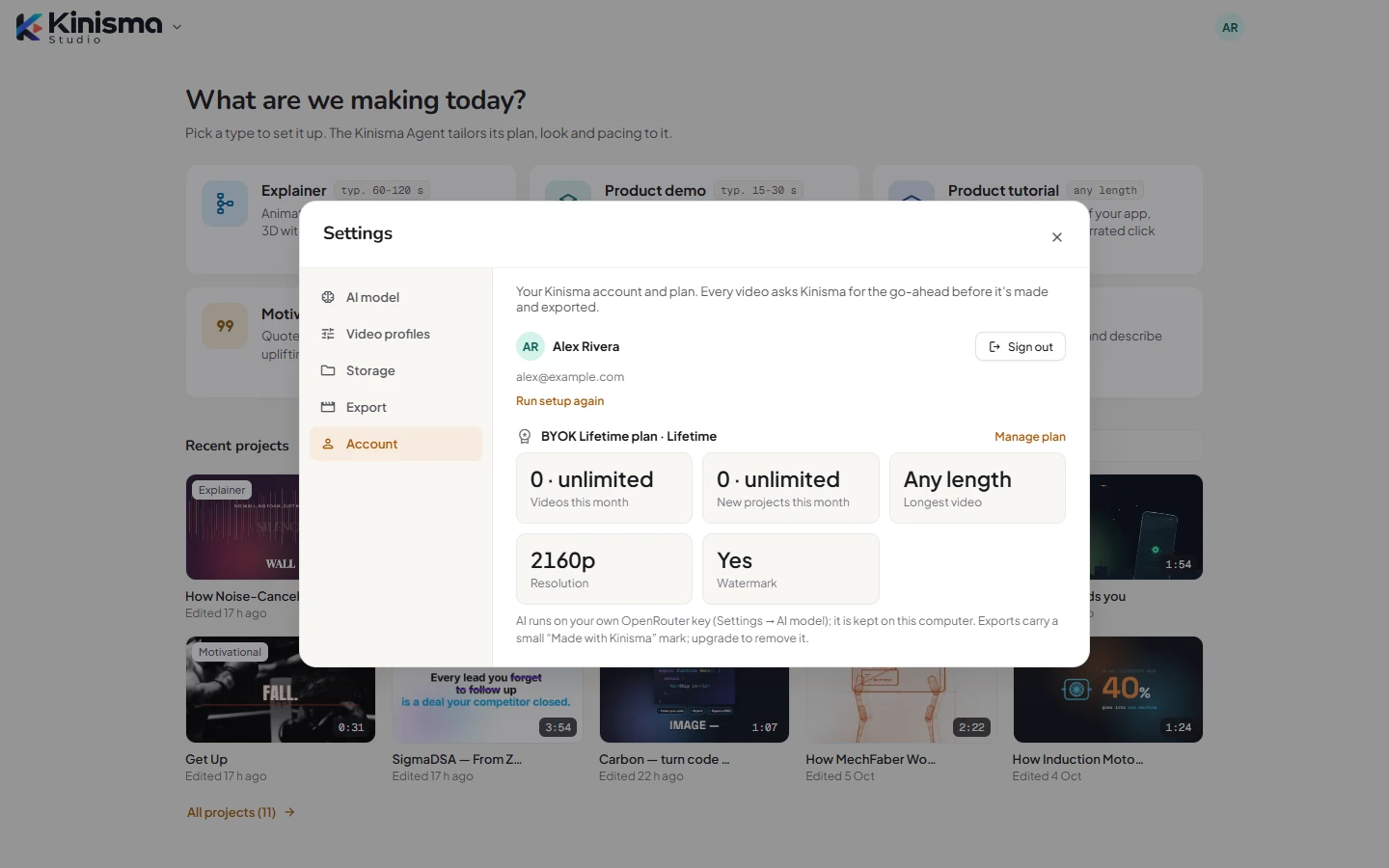
You'll see your plan, Videos this month, New projects this month, Longest video, Resolution, Watermark, and where your AI runs.
Limits you might meet
- Monthly videos: each export counts as one video. When they're used, exports pause until next month, or upgrade.
- New projects: the Free plan limits how many new projects you start each month. Deleting a project doesn't give one back.
- Longest video: a video longer than your plan allows can't be exported. Ask the agent to shorten it, or upgrade.
Upgrade
Click Upgrade (top bar or account menu) on the Free plan, or Manage plan in Settings → Account. Your new plan applies in the app straight away.
Questions
How much does a video cost on pay as you go?
A typical one-minute video uses about 200 credits, about $1: explainers a little more, tutorials less (about 120 a minute), short motivational videos a few dozen. One credit is $0.005, so $5 buys 1,000 credits.
Do credits expire?
No. Credits never expire.
What happens to my projects if I change plans?
Nothing. Projects are on your computer; your plan only decides how many videos you can make and export, how long, at what resolution, and with or without the watermark.
Was this article helpful?