
New video
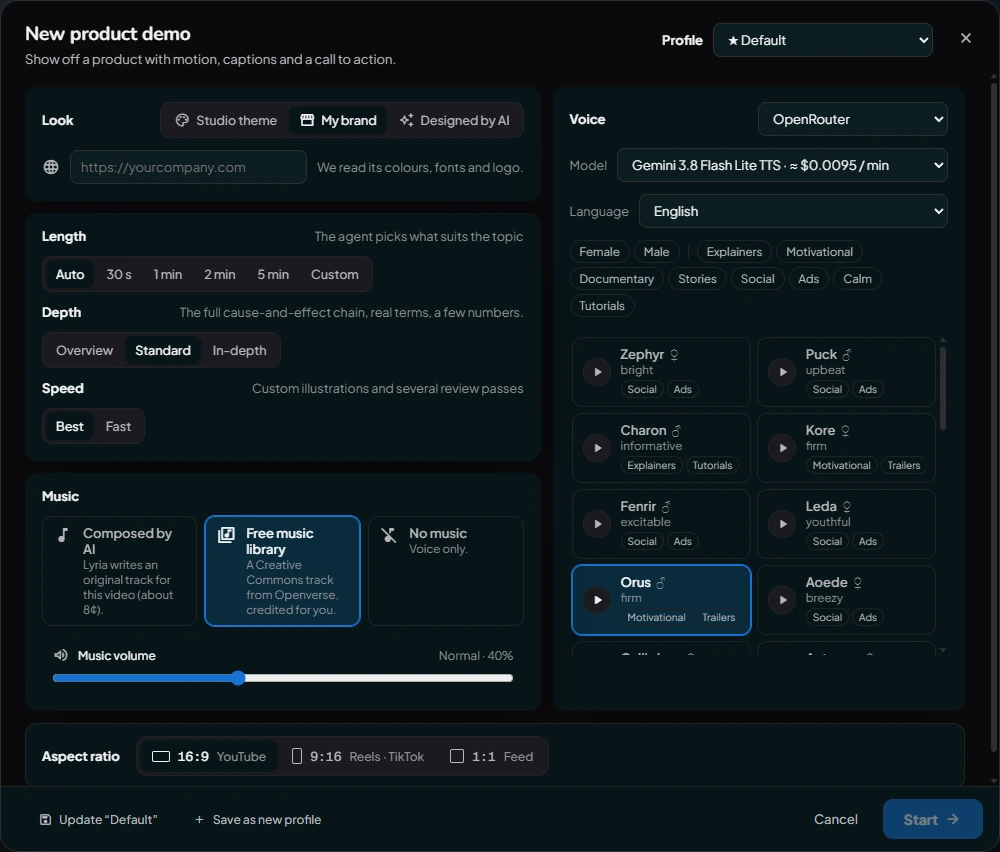
The New video window, which sets a new video's profile, look, voice, language, length, depth, speed, music, music volume and aspect ratio.
The New video window opens when you click a video type on Home. It holds everything the agent needs to know before it starts. All of it can be changed later by asking in the chat.
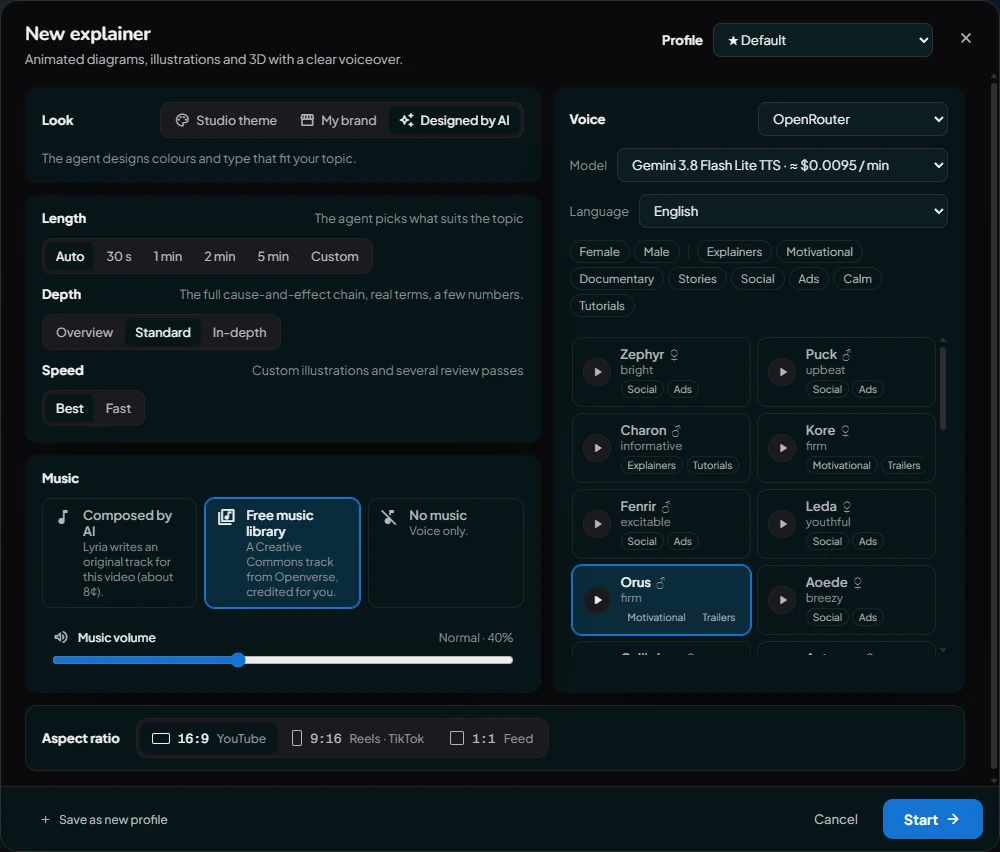
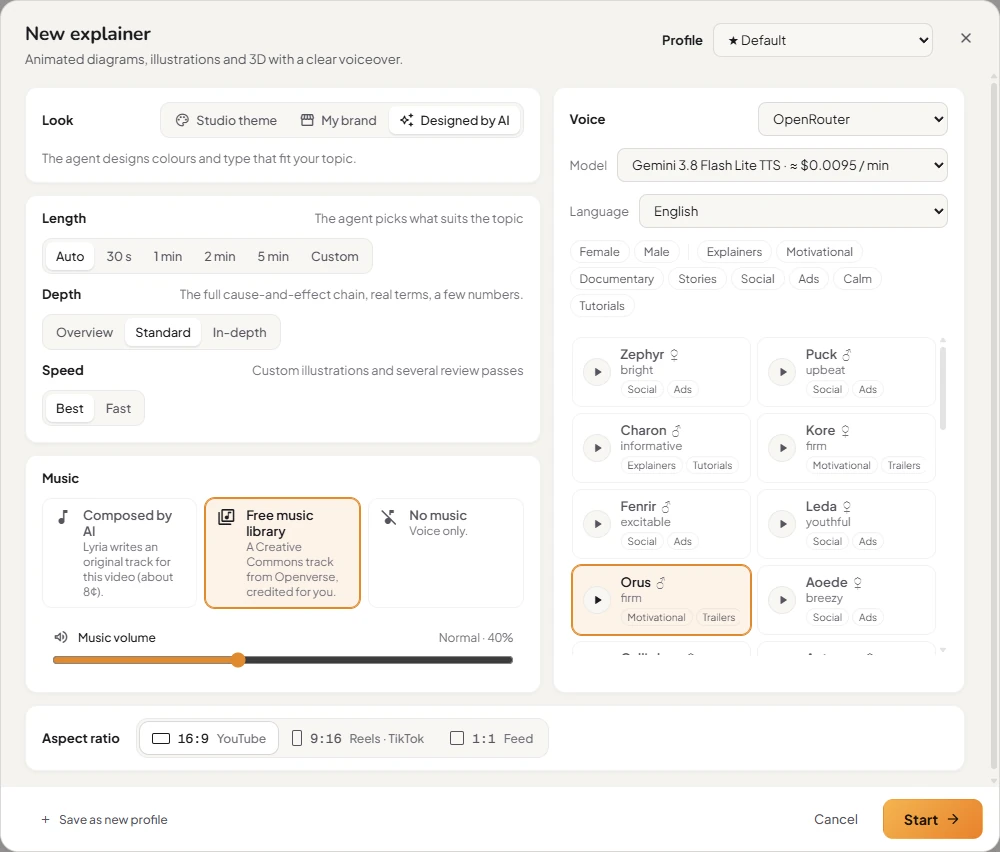
Profile
Profiles are saved sets of these options, for the kinds of video you make often (say, a YouTube explainer and a TikTok short). The default profile is marked ★. Pick another from the Profile list, or change the options for just this video. Manage profiles in Settings → Video profiles.
Look
- Studio theme: a ready-made palette and type: Midnight, Paper, Bold, Mint, Sunset or Mono.
- My brand: enter your website's address and the agent uses its colours, fonts and logo.
- Designed by AI: the agent designs colours and type that suit your topic.
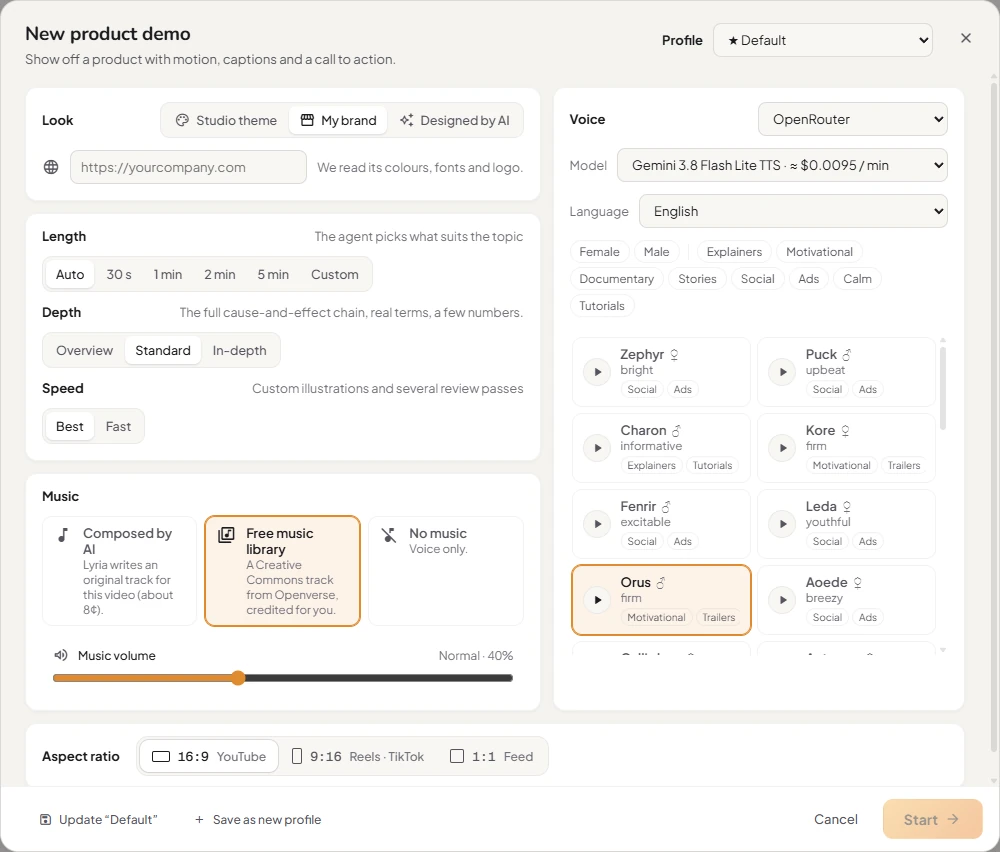
Voice
- Provider:
- Kokoro (free, on this PC): English voices that run on your computer.
- OpenRouter (Kinisma on credit plans): natural cloud voices in many languages. On credit plans each voice model shows its price in credits per minute.
- ElevenLabs: your own ElevenLabs account. Paste your key here or in Settings.
- Language: the narration and the on-screen text. Only the languages the chosen voice speaks are listed.
- Voice: filter by female or male and by style, then click ▶ to hear a sample.
More in Voices and narration.
Length, depth and speed
- Length: Auto (the agent decides), 30 s, 1 min, 2 min, 5 min or Custom (up to 60 minutes). Your plan sets the longest video you can export.
- Depth: Overview (the big idea, no formulas), Standard (cause and effect, real terms, a few numbers) or In-depth (laws, equations and graphs).
- Speed: Best (custom illustrations and several review passes) or Fast (one review pass, ready in minutes).
Music
- Composed by AI: an original track written for this video (on credit plans, the price in credits is shown).
- Free music library: a Creative Commons track from Openverse, credited for you.
- No music: voice only.
Music volume sets how loud the music sits under the voice. See Music.
Aspect ratio
16:9 (YouTube), 9:16 (Reels, TikTok, Shorts) or 1:1 (feed posts). Each type has its own default.
Buttons
- Save as new profile keeps these options as a profile. Update "…" saves changes to the current profile.
- Start → creates the project and opens the Studio.
Was this article helpful?