
Settings
Project sync, render emails, captions, the light theme, your profile and your password.
Settings holds your preferences and account details.
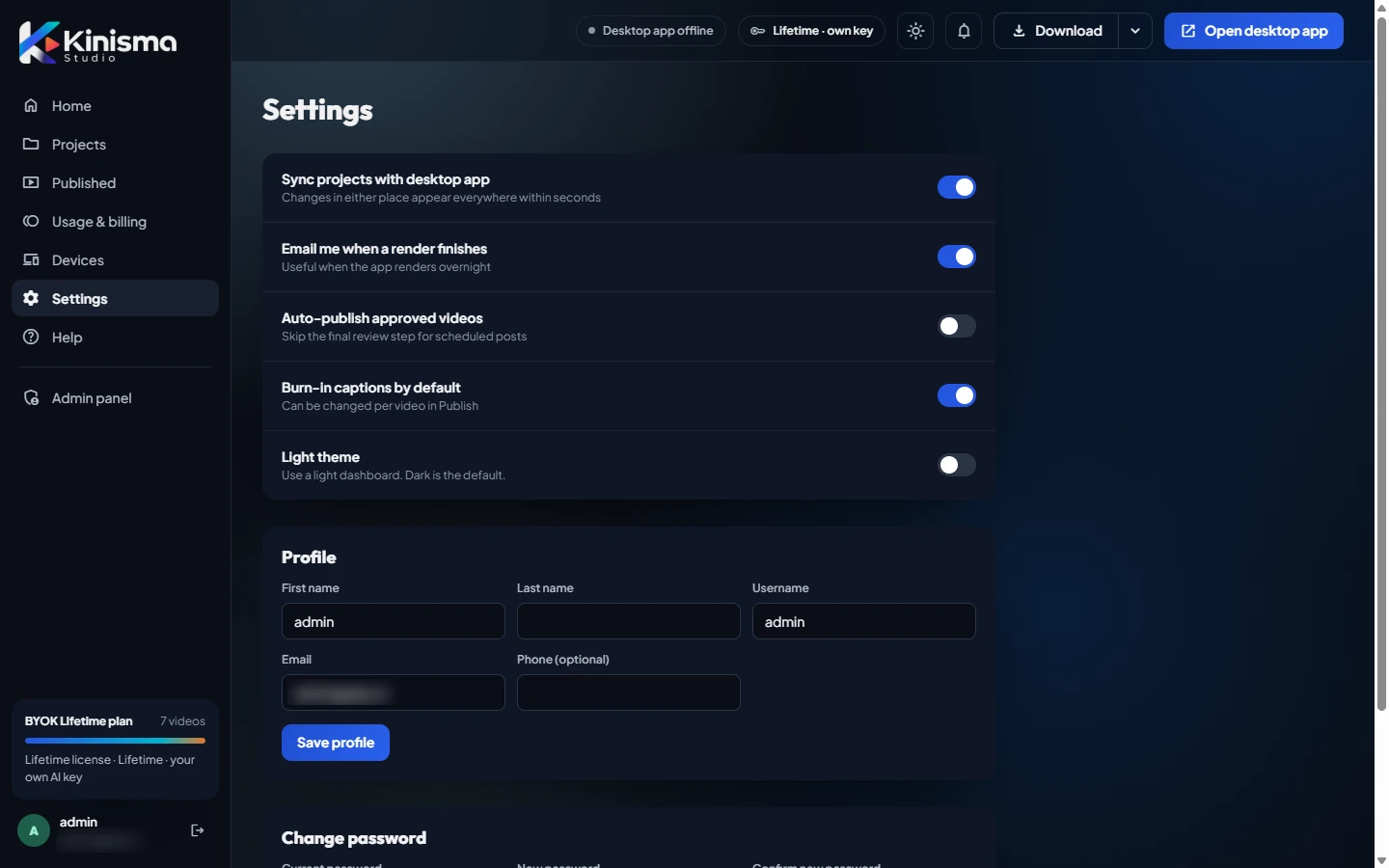
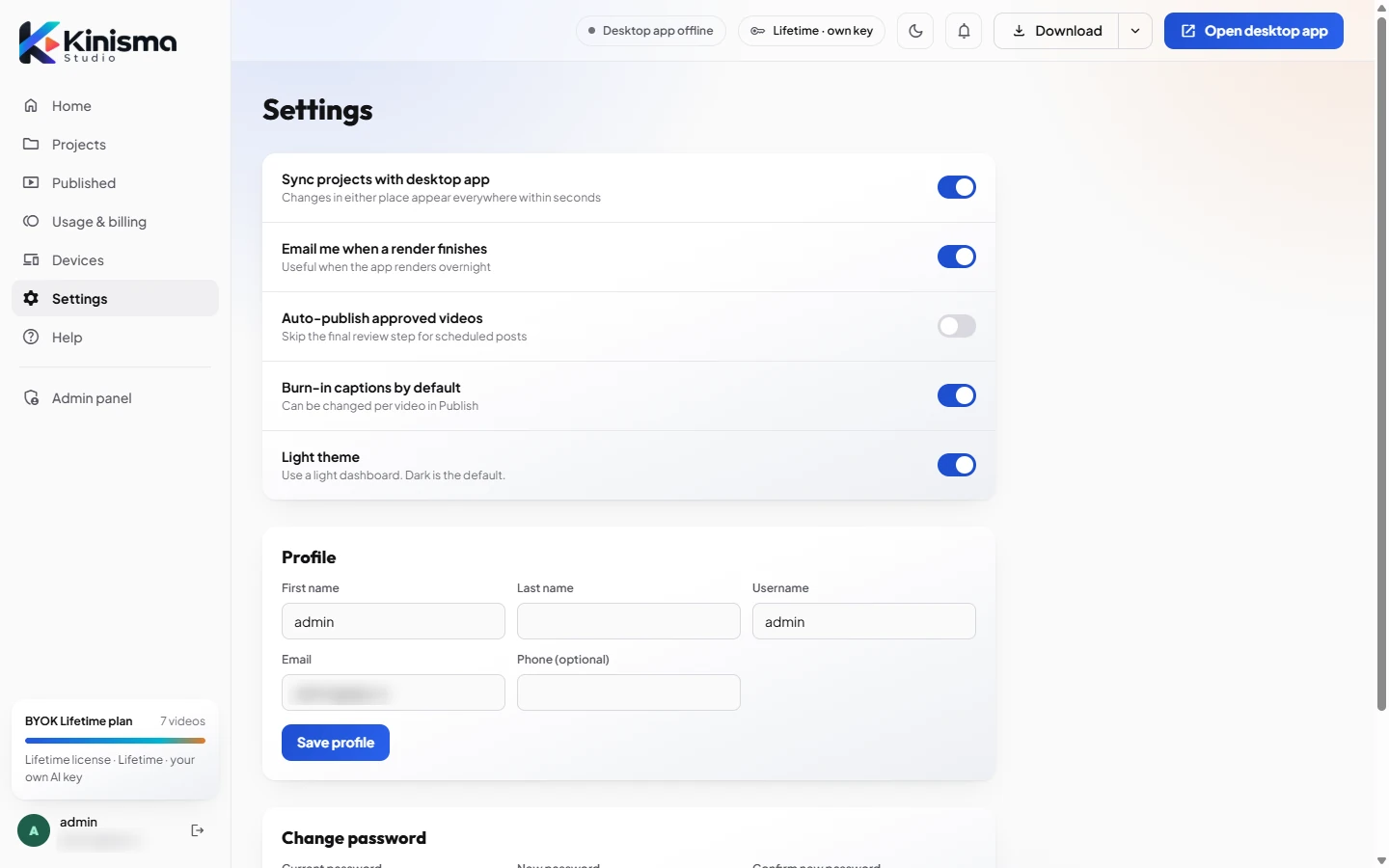
Preferences
| Setting | What it does |
|---|---|
| Sync projects with desktop app | Changes in the app and the dashboard appear everywhere within seconds. |
| Email me when a render finishes | Handy when the app renders overnight. |
| Burn-in captions by default | Captions are drawn into the video. |
| Light theme | Uses a light dashboard. Dark is the default. |
Profile
Your first name, last name, username, email and an optional phone number. Click Save profile after changing them.
Password
Change your password here. If you signed up with Google and never set one, this section is Set a password, so you can also sign in with your email and a password.
Was this article helpful?
Still stuck?Write to [email protected] or use the contact page. Tell us your computer (Windows or macOS) and what you tried.