
Publish
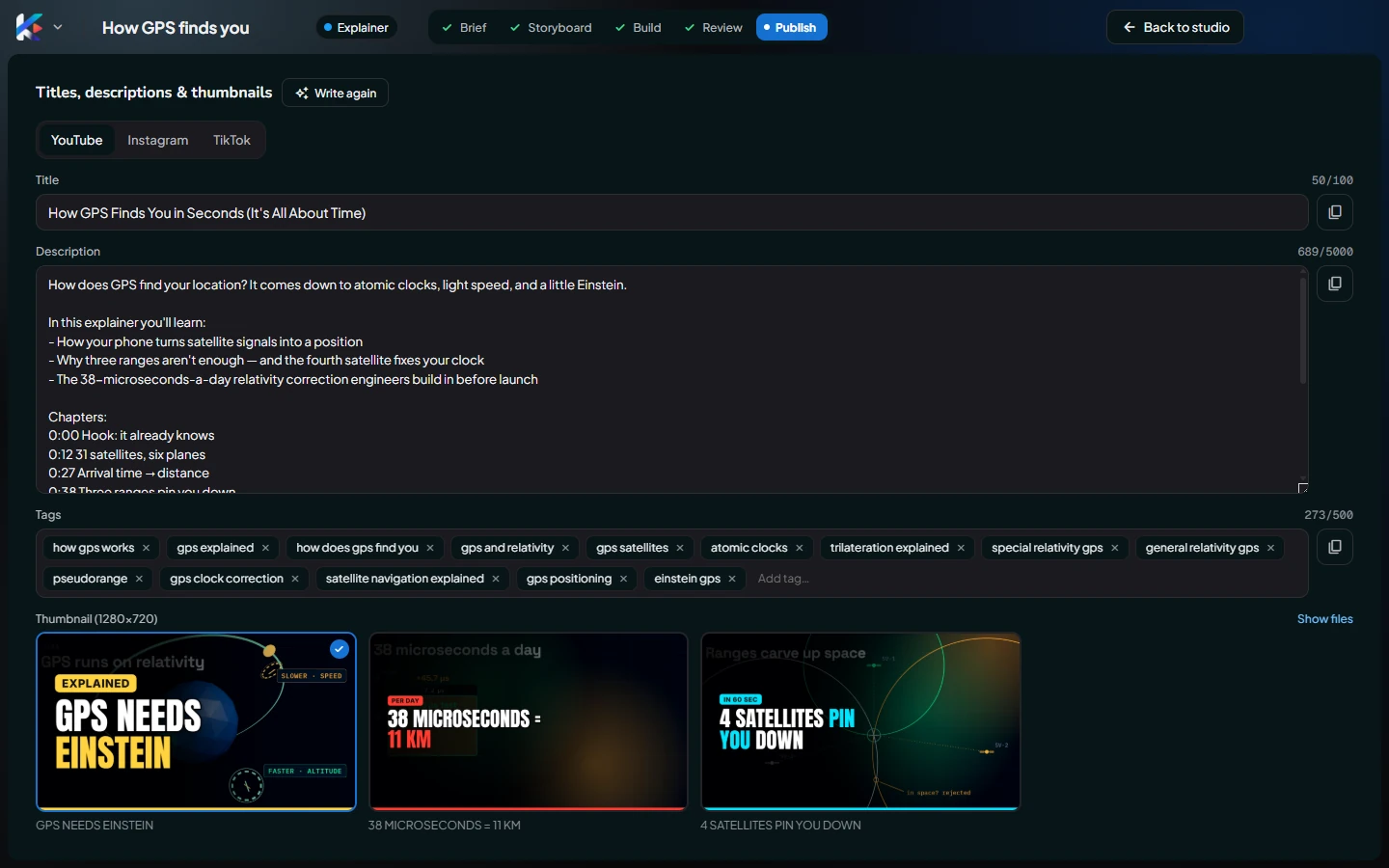
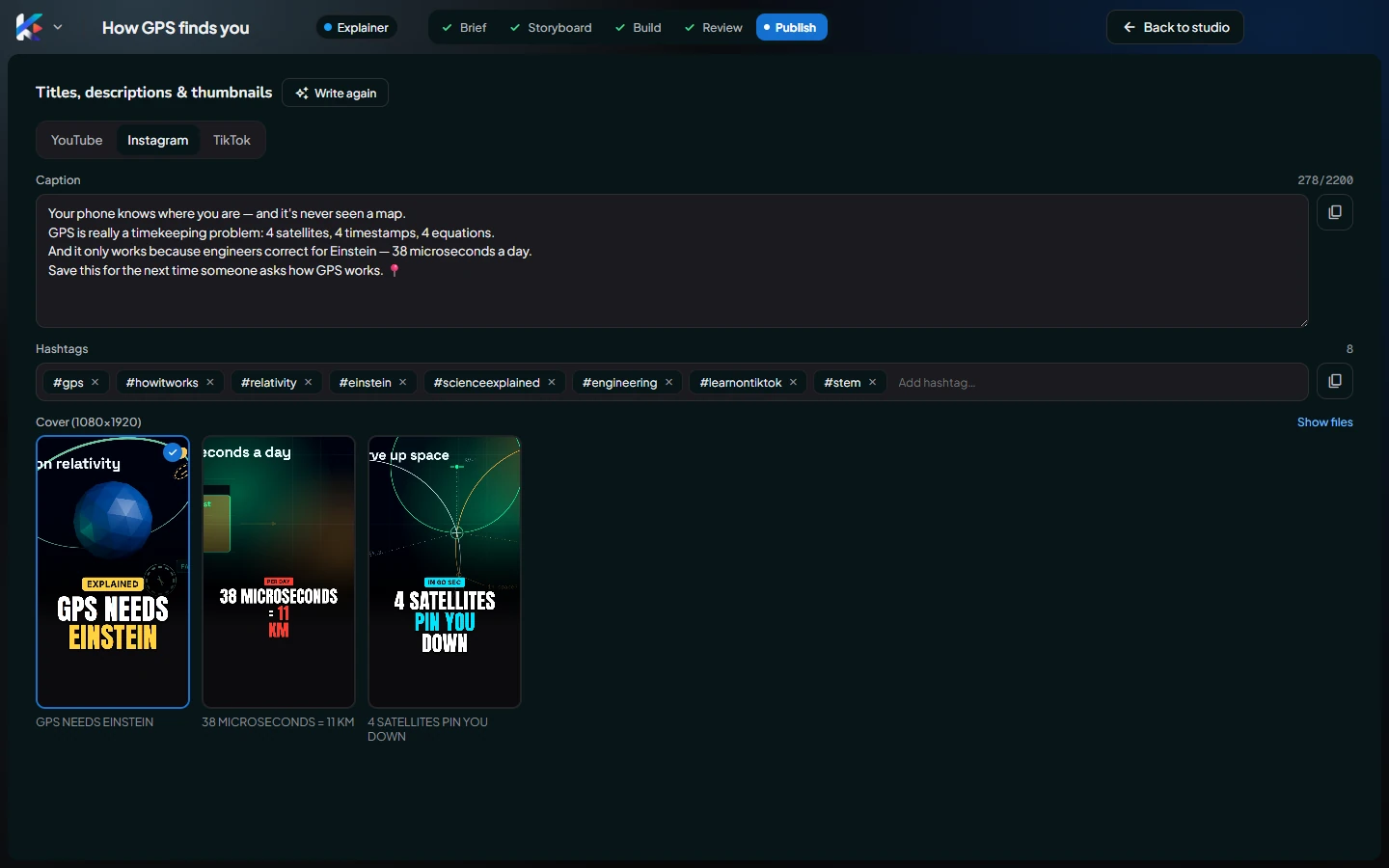
The Publish screen, where the agent writes YouTube titles, descriptions, chapters and tags, Instagram and TikTok captions with hashtags, and three thumbnails.
Click Publish in the Studio's top bar when the video is ready. The Publish screen writes everything that goes with the video, for each platform. Click Back to studio to return.
Write titles & thumbnails
Click Write titles & thumbnails. In about a minute the agent writes, from your video's own script:
- YouTube: a search-friendly title, a description with chapters (from the real scene times), and tags.
- Instagram: a caption with a strong first line, and hashtags.
- TikTok: a short caption and hashtags.
- Three thumbnails: each a short, bold headline on a real frame of your video.
Everything is written in your video's language.
YouTube
- Title: up to 100 characters. The counter warns past 70, because about 70 show in search results.
- Description: up to 5,000 characters, including the chapters block (
0:00 Intro…). YouTube needs at least three chapters of 10 seconds or more, so very short videos get none. - Tags: add with Enter or a comma, remove with ×. The counter shows YouTube's 500-character limit.
- Copy title, Copy description and Copy tags copy each one to paste into YouTube.
Instagram and TikTok
- Caption: up to 2,200 characters.
- Hashtags: add or remove them like tags.
- Copy caption with hashtags copies both together; Copy hashtags copies just the hashtags.
Thumbnails


The YouTube tab shows thumbnails (1280×720). The Instagram and TikTok tabs show the same three as covers (1080×1920). Click one to choose it (a ✓ marks your choice), and Show files opens the folder with the PNG files to upload.
Edit or rewrite
Everything on this screen is editable and saved as you type. Write again writes it all from scratch; it replaces your edits.
Was this article helpful?