
Projects and files
Where Kinisma Studio keeps your projects, what's inside a project folder, moving the projects folder, backups, and where app settings live.
Kinisma Studio keeps your projects on your computer, as ordinary folders you can back up, move and open.
The projects folder
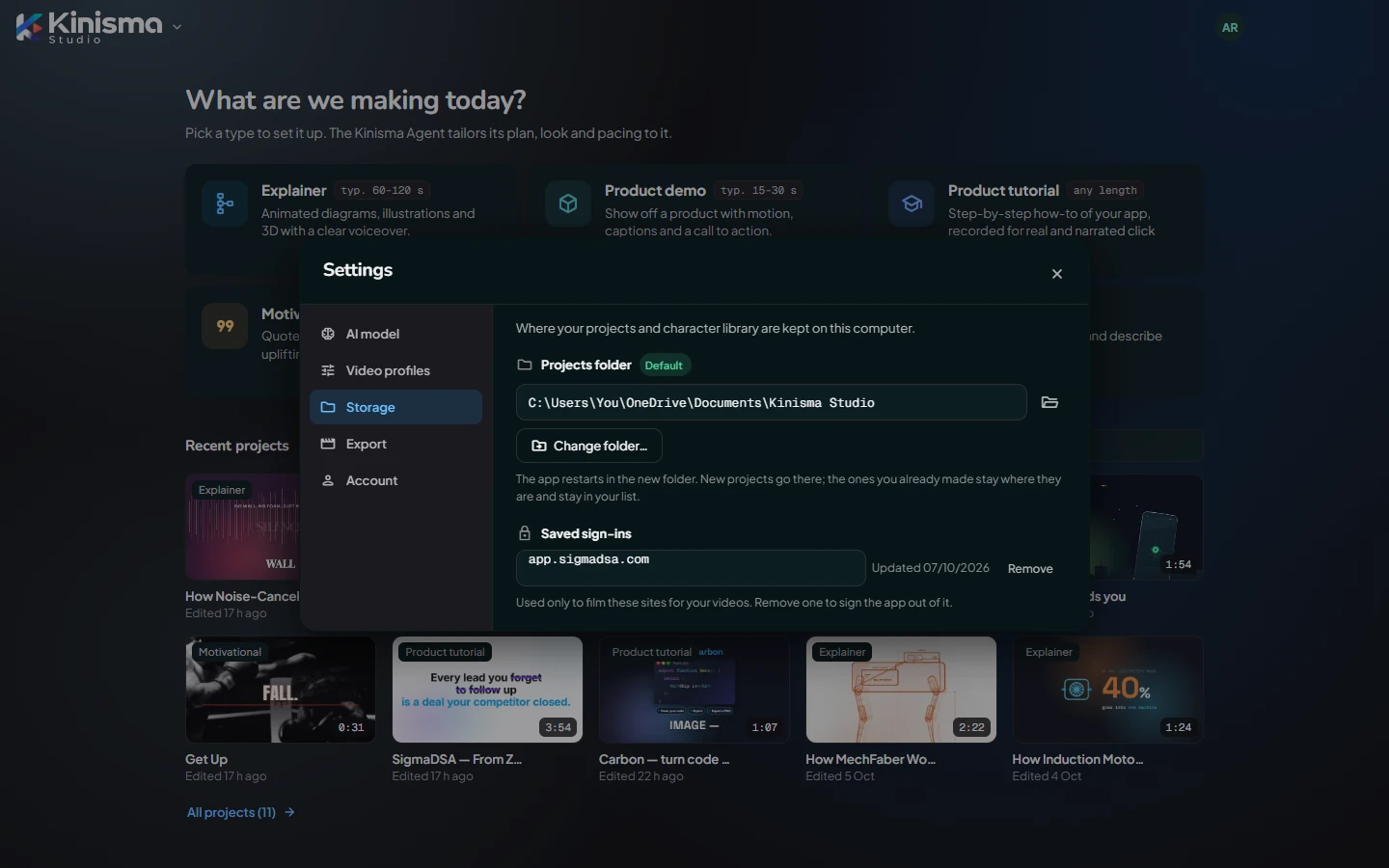
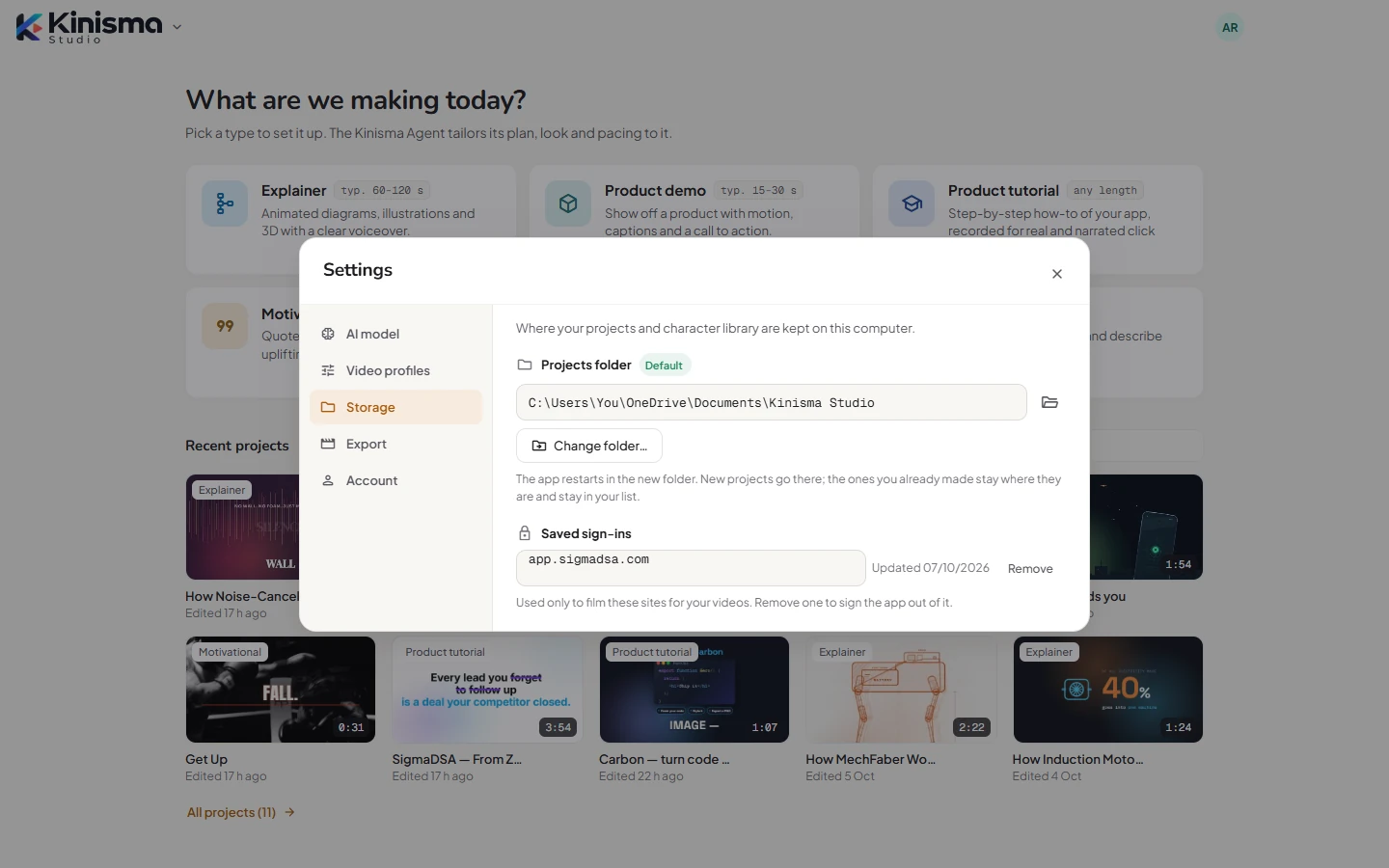
By default it's Documents\Kinisma Studio:
Projects\: one folder per project.
See or change it in Settings → Storage. Change folder… sends new projects to another folder (for example a bigger drive); the app restarts there. Projects you already made stay where they are and stay in your list.
What's in a project folder
A project folder is named after the video, for example how-gps-finds-you-1f1ecc50. Inside:
| Item | What it is |
|---|---|
project.json | The project: its title, type, scenes and captions. |
chat.json | A copy of your chat with the agent. |
assets\ | Everything the video uses: the narration, the music, your uploads, recordings and screenshots, and the thumbnails. |
src\ | The video itself, as the agent built it: its scenes, and the publish kit (publish.json). |
Exported MP4s are saved wherever you choose when you export (by default your Videos folder), not in the project folder.
Back up or move projects
- Back up: copy the projects folder somewhere safe.
- Move to another computer: copy the project folders into the new computer's projects folder. Kinisma Studio finds them when it starts.
- Delete: use Delete project on Home; the folder goes to the Recycle Bin, so you can restore it.
Project folders you add to the projects folder appear in the app at its next start. Folders you delete outside the app disappear from the list.
App settings
Your settings, keys (encrypted), profiles and templates live in the app's data folder, %APPDATA%\Kinisma Studio, not in the projects folder. Uninstalling the app doesn't delete your projects.
Questions
Are my videos uploaded to Kinisma's servers?
No. Projects are made and kept on your computer. Kinisma's servers only know a project's title, type and size (for your dashboard), and check each export against your plan.
How do I back up my projects?
Copy your projects folder (by default Documents\Kinisma Studio) to a backup drive or cloud folder. To restore, put a project's folder back in the projects folder and restart the app.
Was this article helpful?