
Choose the look, voice, length and music
Set a new video's look (theme, your brand or AI-designed), voice and language, length, depth, quality, music and aspect ratio, and save them as profiles.
Before the agent starts, the New video window sets how the video looks and sounds. Everything has a sensible default, so you can just click Start →. Everything can also be changed later in the chat.
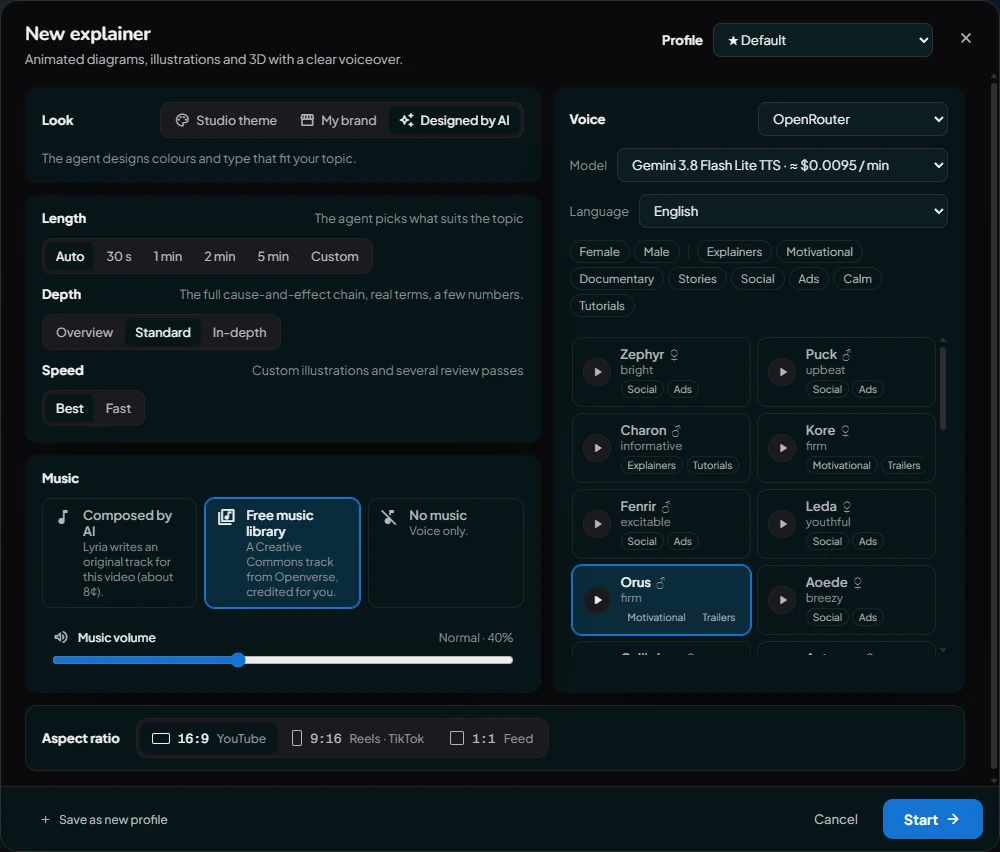
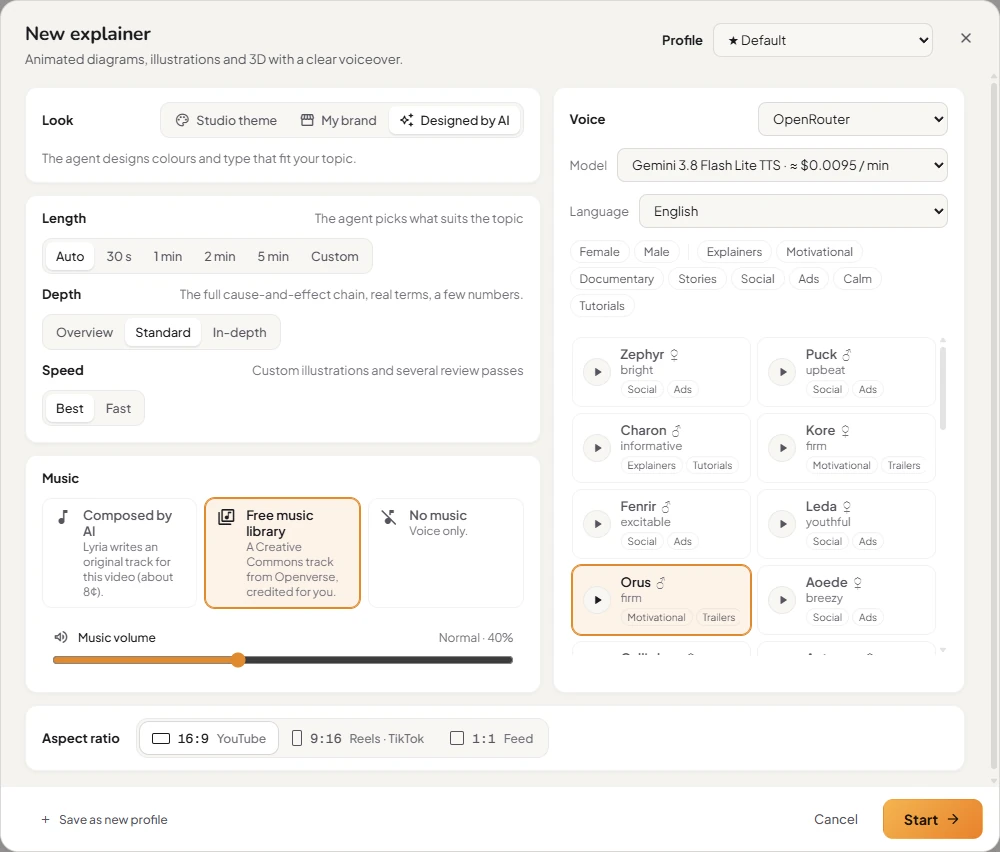
Look
- Studio theme: six ready-made palettes and type pairings: Midnight, Paper, Bold, Mint, Sunset and Mono.
- My brand: enter your website's address, for example
https://yourcompany.com. The agent uses your colours, fonts and logo. - Designed by AI: the agent designs a palette and type that suit the topic. For a Video ad it takes your colours, fonts and logo from the assets you attach; for Stick figures it's black ink on white, like a hand-drawn cartoon.
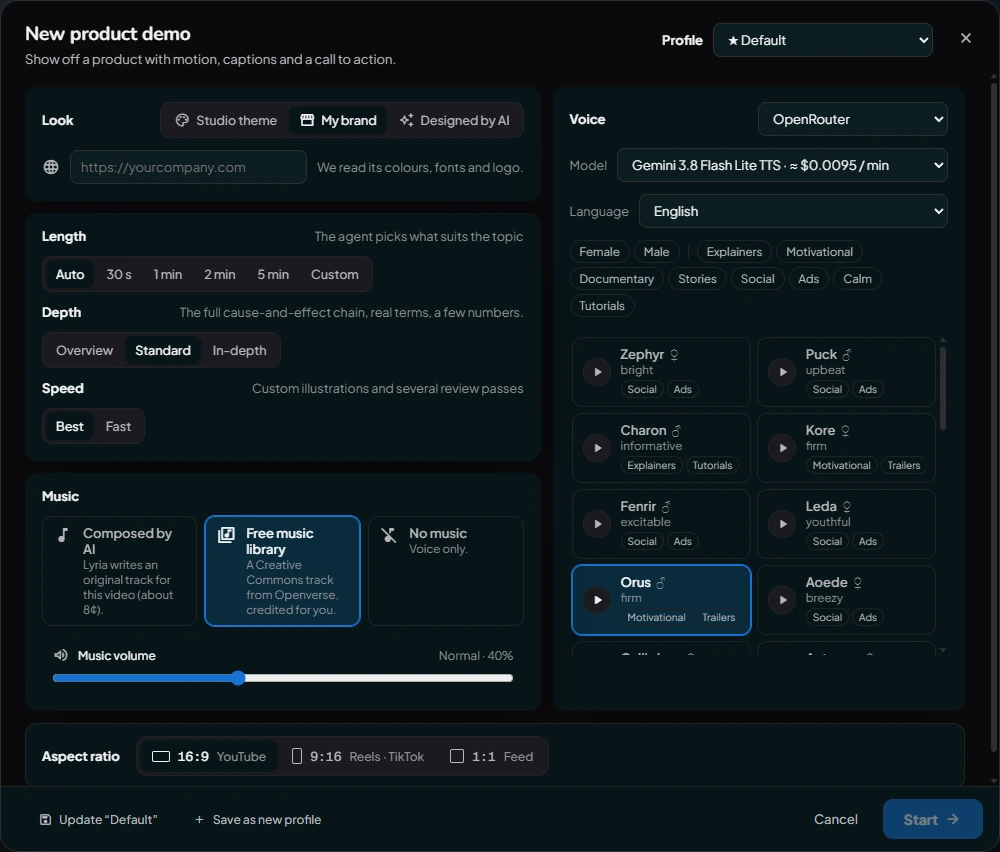
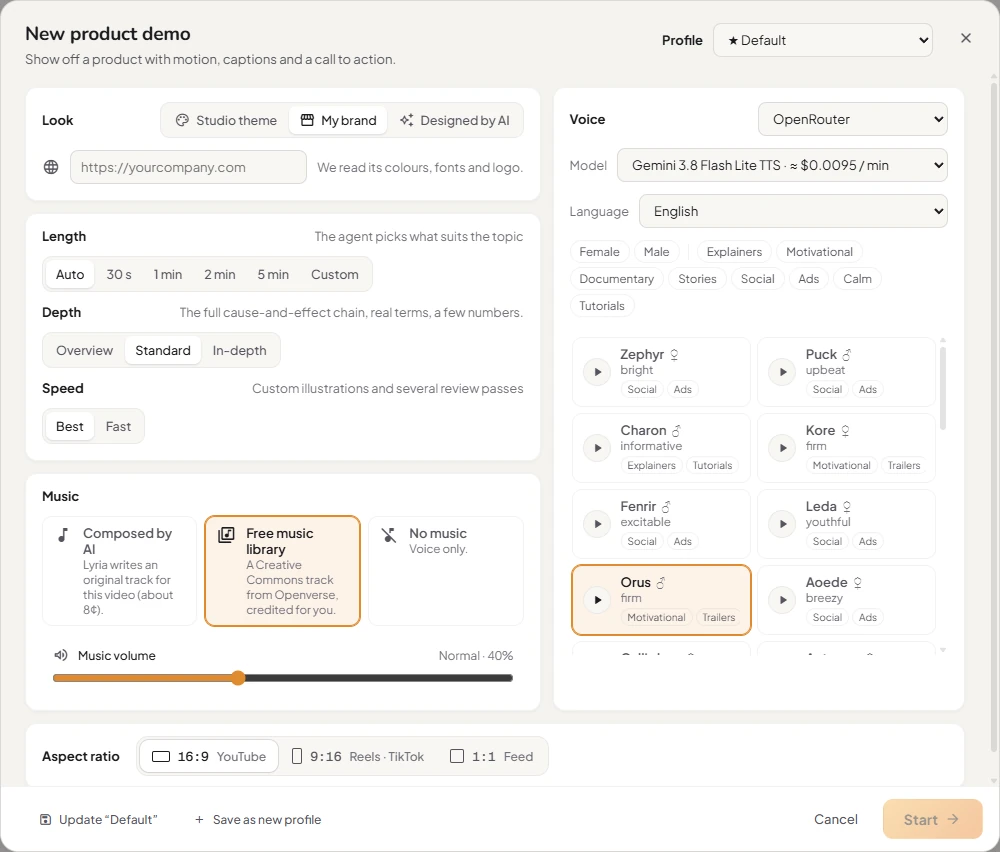
Voice and language
Pick a provider, a voice and a language. Click ▶ on any voice to hear it in the chosen language. The language sets both the narration and the on-screen text. With ElevenLabs you can also Browse the ElevenLabs Voice Library. See Voices and narration.
Length, depth and quality
- Length: Auto lets the agent choose what suits the topic. Or pick 30 s, 1 min, 2 min, 5 min, or a Custom length in minutes.
- Depth: how technical the video is: Overview, Standard or In-depth.
- Quality: Best draws custom illustrations and reviews the work several times. Fast does one review and no custom illustrations, ready in minutes. For Custom and Video ad, Best means film mode: it takes longer and uses more credits.
Music
Composed by AI, a free Creative Commons track, or no music, plus the music volume. See Music.
Aspect ratio
- 16:9: YouTube, websites, presentations.
- 9:16: Reels, TikTok, YouTube Shorts.
- 1:1: square feed posts.
Save your favourite settings as a profile
Click Save as new profile, name it (for example TikTok short) and click Save profile. Next time, pick it from Profile at the top. Manage your profiles, and choose the default, in Settings → Video profiles.
Change things later
Ask in the chat once the video exists: "switch to the Sunset theme", "use a male British voice", "no music", "make it 45 seconds". The agent updates the video.
Questions
Can I use my company's colours and logo?
Yes. Choose My brand under Look and enter your website's address. The agent reads its colours, fonts and logo.
How do I make these options my defaults?
Save them as a profile and make it the default (★) in Settings → Video profiles. Every new video then starts with them.
Was this article helpful?