
Create your Kinisma account
Sign up on kinisma.com with your email or Google, confirm your email, and reset your password if you forget it.
Your Kinisma account is what the desktop app signs in with, and what holds your plan, credits, devices and projects. You create it once on the website.
Sign up with your email
- Go to kinisma.com/register.
- Enter your first name, last name, email and a password. A username is suggested from your email; you can change it.
- Click Create account.
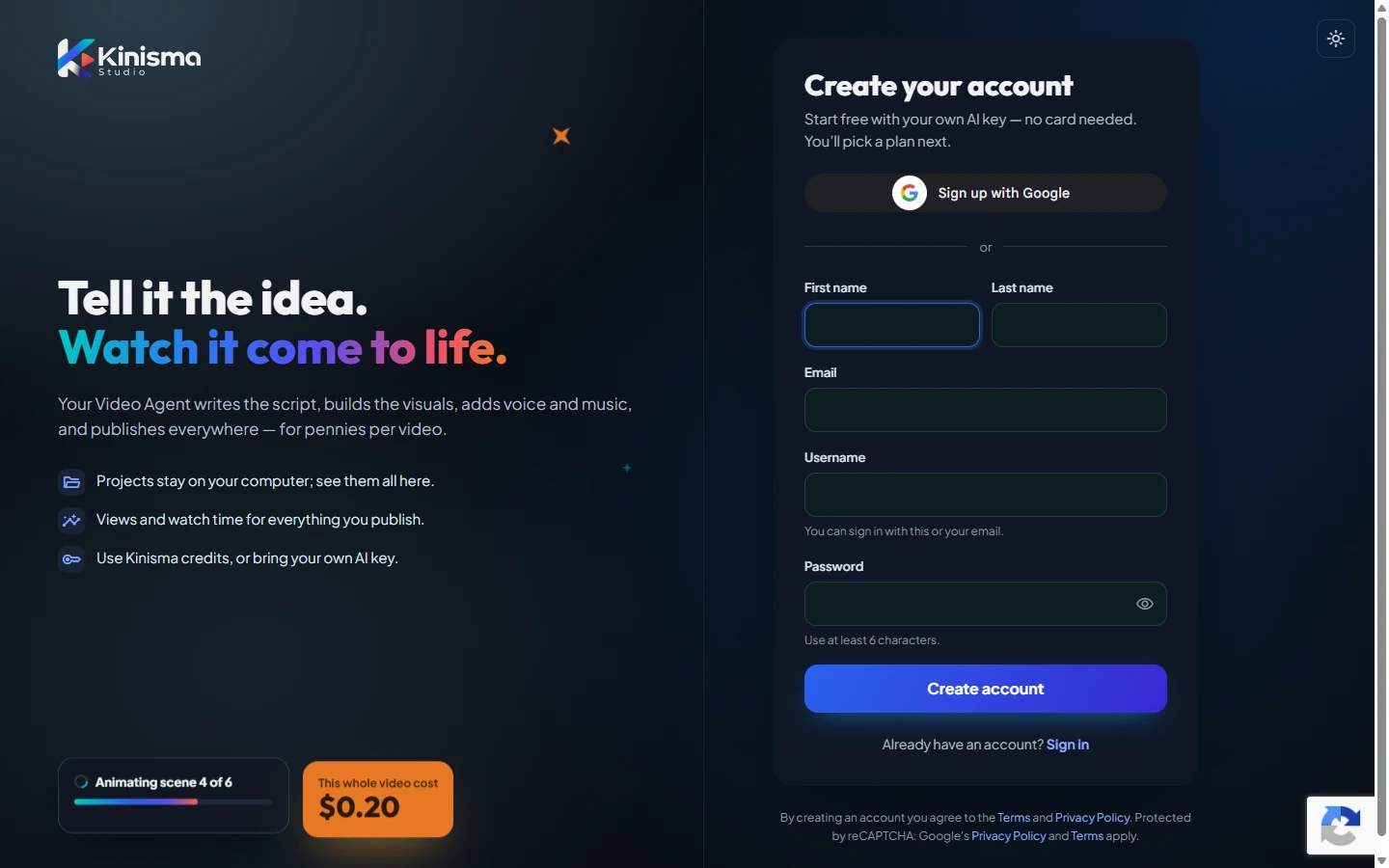
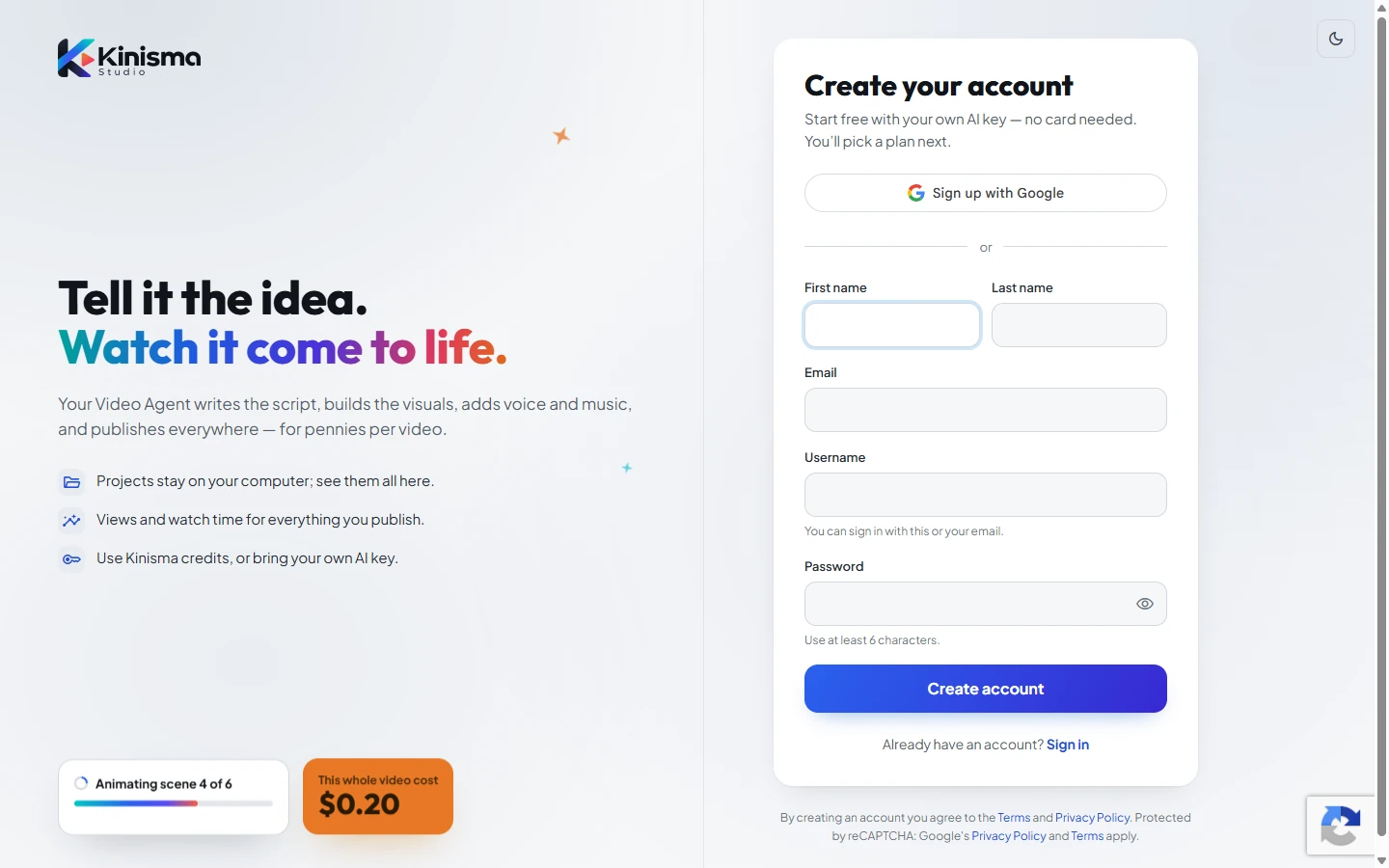
You're signed in straight away and taken to a short welcome where you pick a plan and download the desktop app.
Sign up with Google
On the sign-up or sign-in page, click Sign up with Google (or Sign in with Google) and choose your Google account.
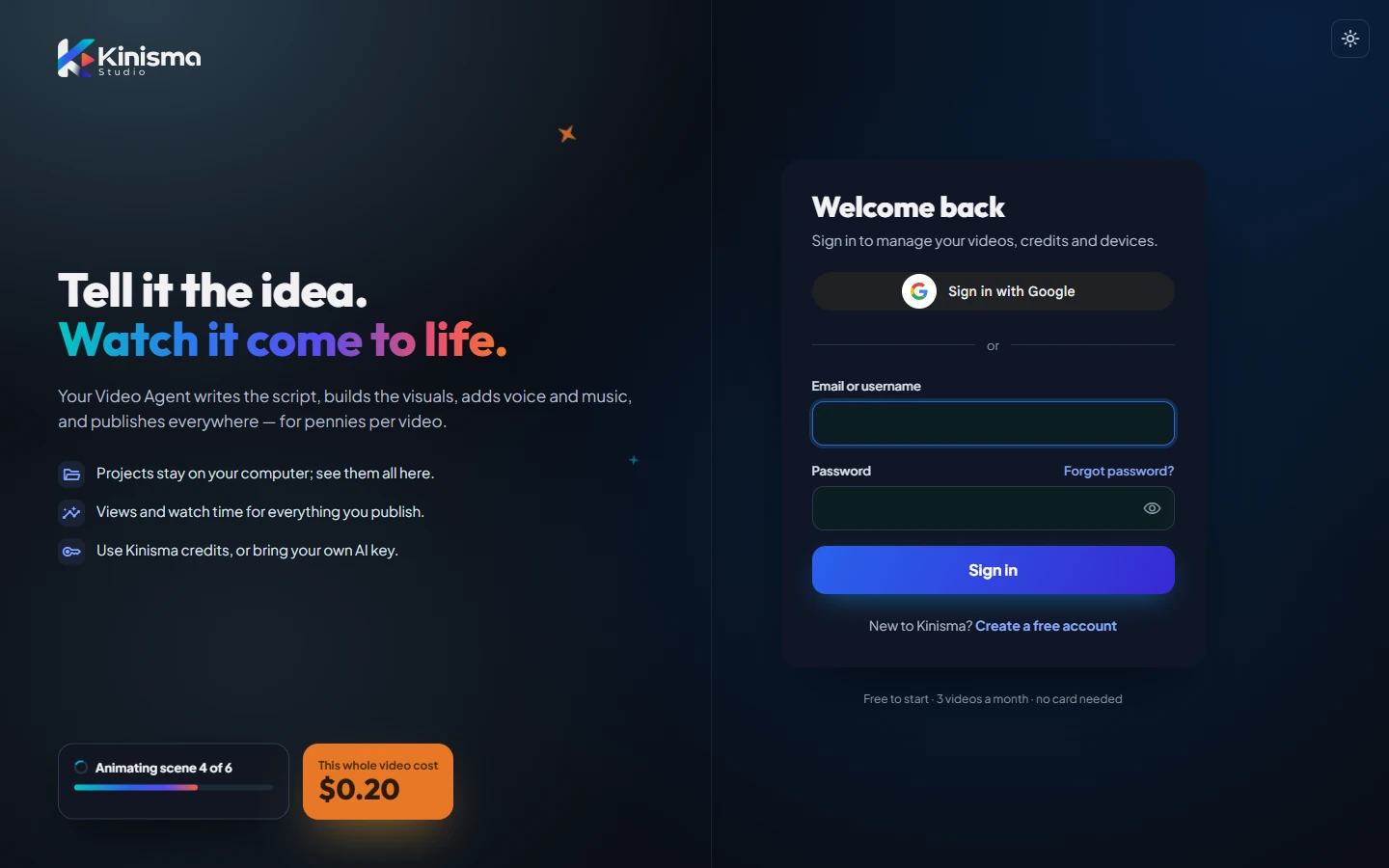
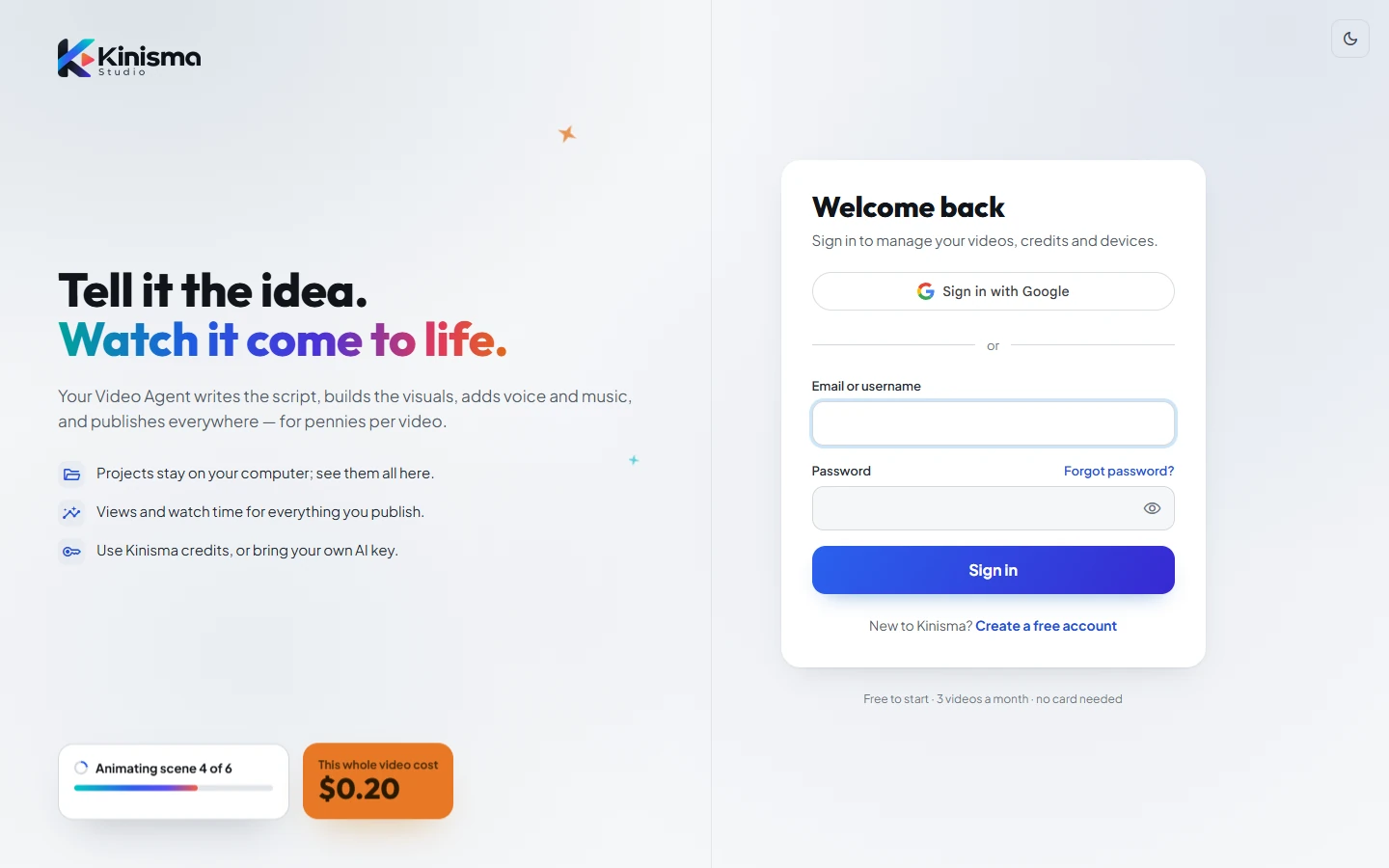
- If you're new, an account is created with your name from Google and your email already confirmed, and you go to the welcome steps.
- If you already have an account with that Gmail address, you're simply signed in, and Google is linked to it for next time.
Confirm your email
After signing up with email, we send a Confirm your email message. Click Confirm email in it to verify your address, so we can send you receipts and help you get back into your account.
Forgot your password
- On the sign-in page, click Forgot password?
- Enter your email and click Send reset link.
- Open the email and click Choose a new password, then pick a new one.
The link works for a limited time. If it has expired, ask for a new one the same way.
Signing in to the desktop app
The desktop app uses the same account. Choose Continue in your browser in the app: your browser opens kinisma.com, you sign in there (Google or password), and the app is signed in automatically. See Sign in and set up.
Questions
Do I need a card to sign up?
No. The Free plan needs no card. You only pay if you buy credits or a lifetime license.
Can I use Google and a password on the same account?
Yes. If you signed up with your email and later choose Sign in with Google using the same address, Google is linked to your existing account. You can also set a password later in Dashboard → Settings.
I didn't get the confirmation email.
Check your spam or promotions folder. Emails come from Kinisma Studio. You can still sign in and use Kinisma while you wait.
Was this article helpful?