
Attach files and folders
Give the agent your own material - images, clips, audio, PDFs, Word, PowerPoint and Excel files, or a whole folder of up to 200 files - and what it does with each.
Your own material makes a better video: your logo, your product shots, your facts. Attach it in the chat, and say what each file is for.
Attach
- Files: click the paperclip (Attach images, videos, audio or documents), or drop files on the chat.
- A folder: click the folder button (Attach a folder of assets), or drag a folder onto the chat. It shows as a chip with the folder's name and the number of files, for example Brand kit (24 files).
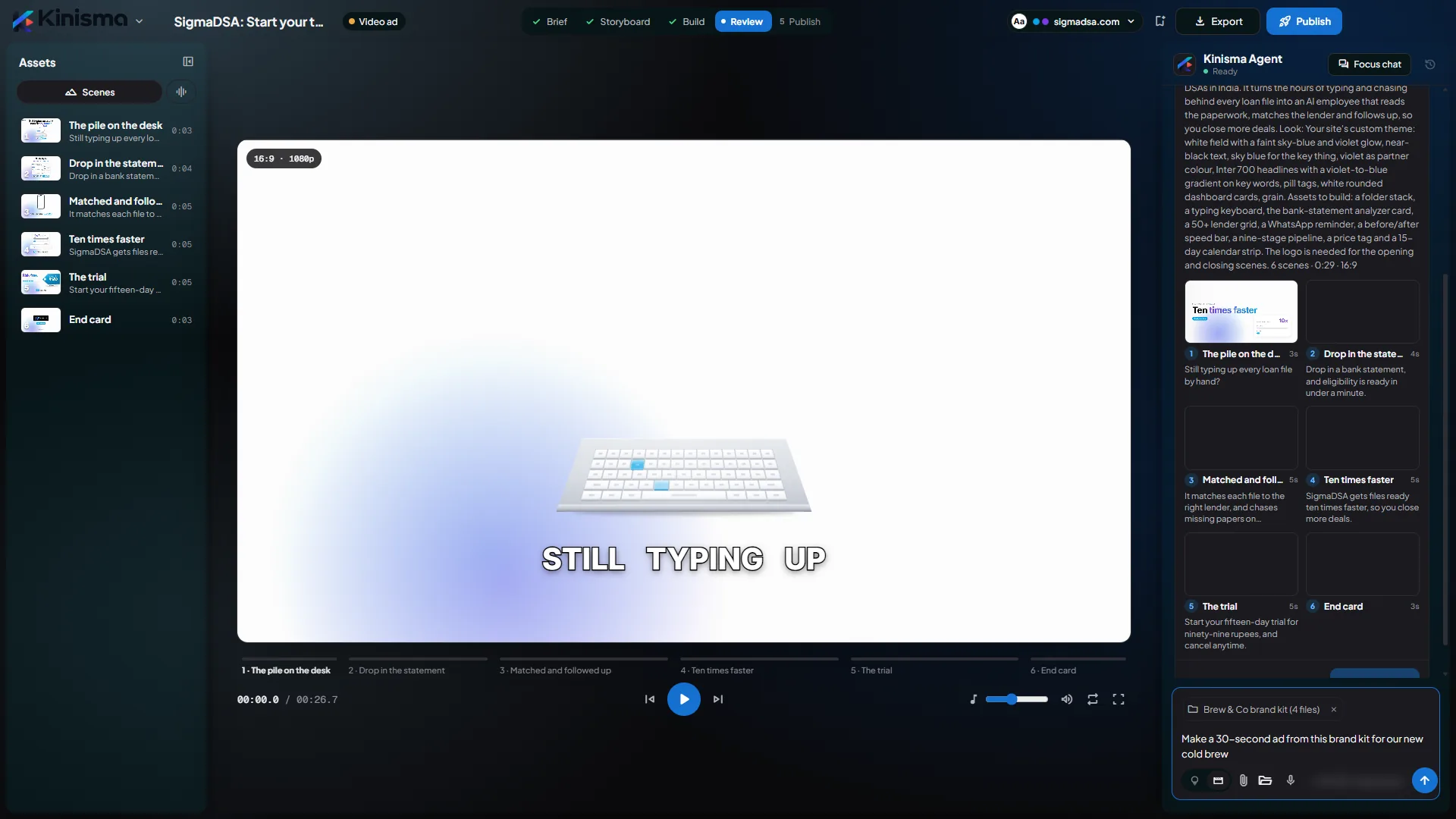
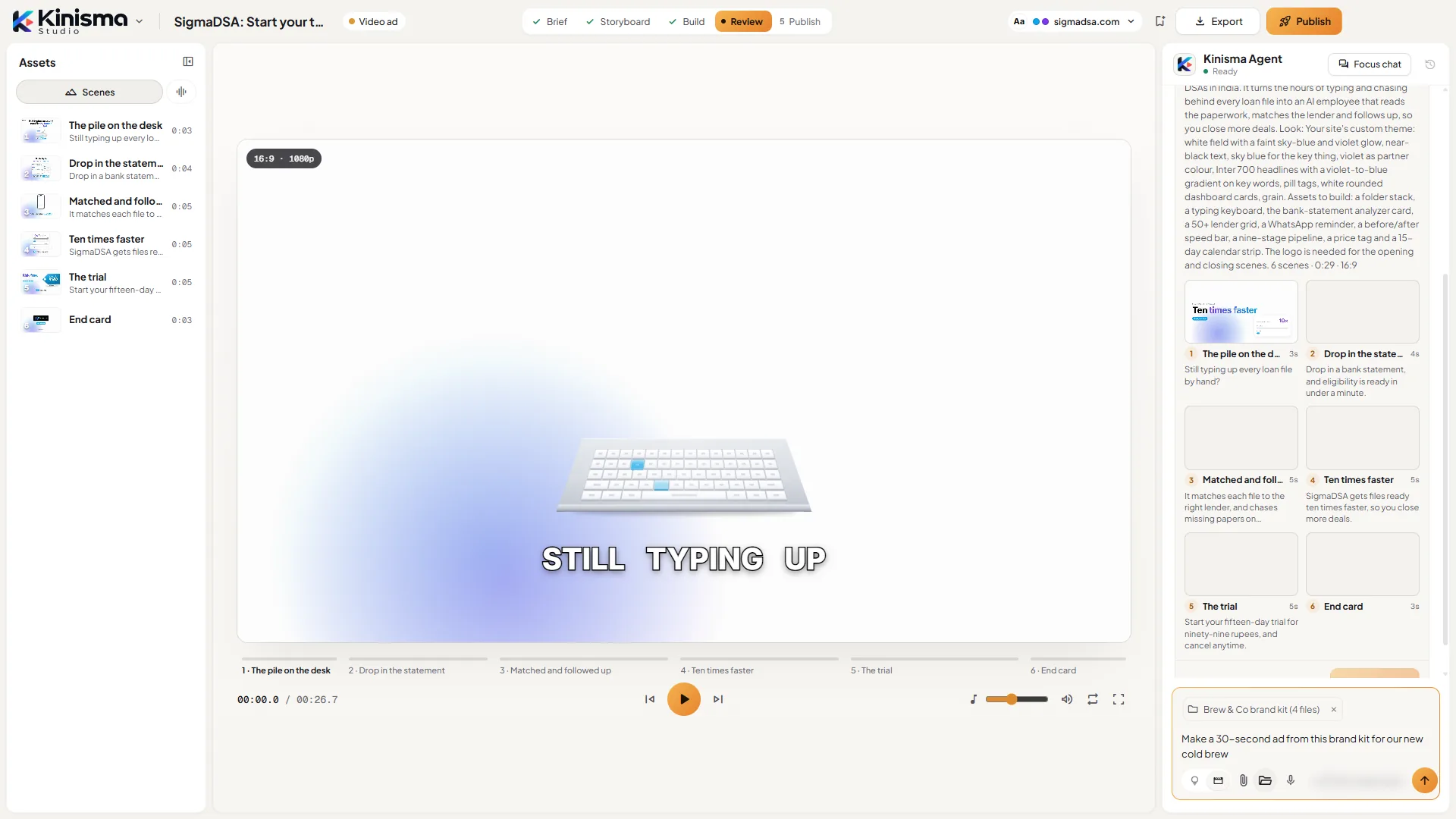
Up to 10 attachments per message. A folder brings up to 200 supported files, and its subfolders are kept. Attached files are copied into the project's folder.
What the agent does with each kind
| You attach | The agent |
|---|---|
| Images (logos, photos, screenshots) | Looks at them and can put them in scenes. |
| Videos | Looks inside them, transcribes what's said, and can use them as footage. |
| Audio | Transcribes it. |
| PDF (up to 20 MB) | Reads the text and keeps its pictures for the video. |
| Word (.docx) | Reads the text and keeps its pictures. |
| PowerPoint (.pptx) | Reads the slides and the speaker notes, and keeps the pictures. |
| Excel (.xlsx) | Reads the sheets: prices, numbers, tables. |
| Text (txt, md, csv, json, srt, vtt, html) | Reads it for facts and wording. |
Older .doc, .ppt and .xls files can't be read: save them as .docx, .pptx or .xlsx, or as a PDF.
Tips
- Say which file matters. "Use the numbers from pricing.xlsx" or "put this photo in the closing scene".
- One folder per brand. Keep your logo, shots, clips and brand guide together and attach the folder; it's what a Video ad is built from.
- Facts beat guesses. Attach a document with your facts and wording, and the agent uses it instead of searching the web.
Questions
How many files can I attach?
Up to 10 attachments per message. A folder counts as one and brings up to 200 supported files, with its subfolders.
Why can't it read my .doc, .ppt or .xls file?
Older Office formats aren't readable. Save the file as .docx, .pptx or .xlsx, or as a PDF, and attach it again.
Is there a size limit?
PDFs can be up to 20 MB.
Are my files uploaded to Kinisma?
They're copied into the project's folder on your computer. To read them, the agent sends their contents to the AI models that make your video.
Was this article helpful?