
Usage & billing
See your plan and what you've used this month, buy credits, switch plans and view your credit history.
Usage & billing shows your plan, what you've used, and where you buy credits or change plans.
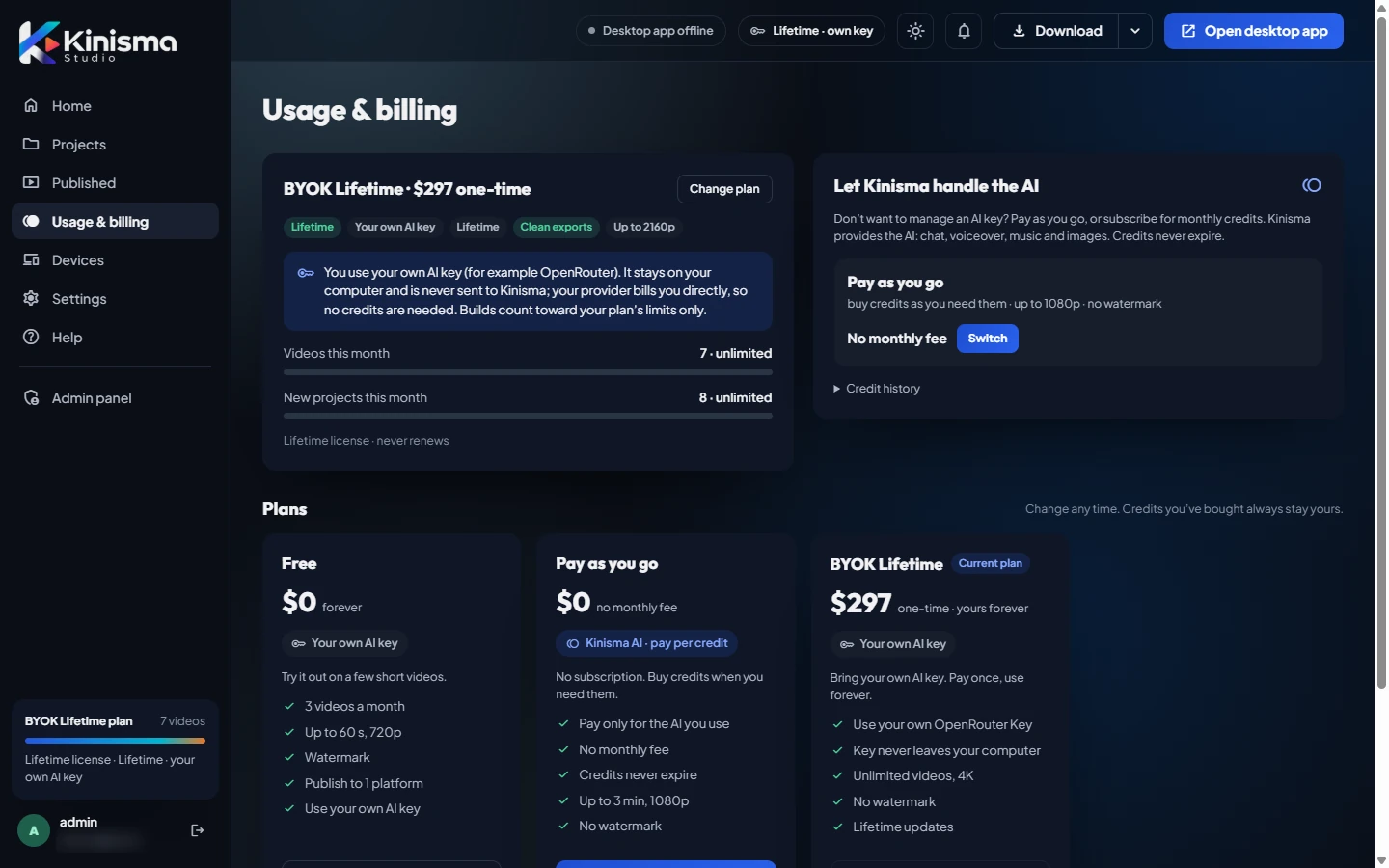
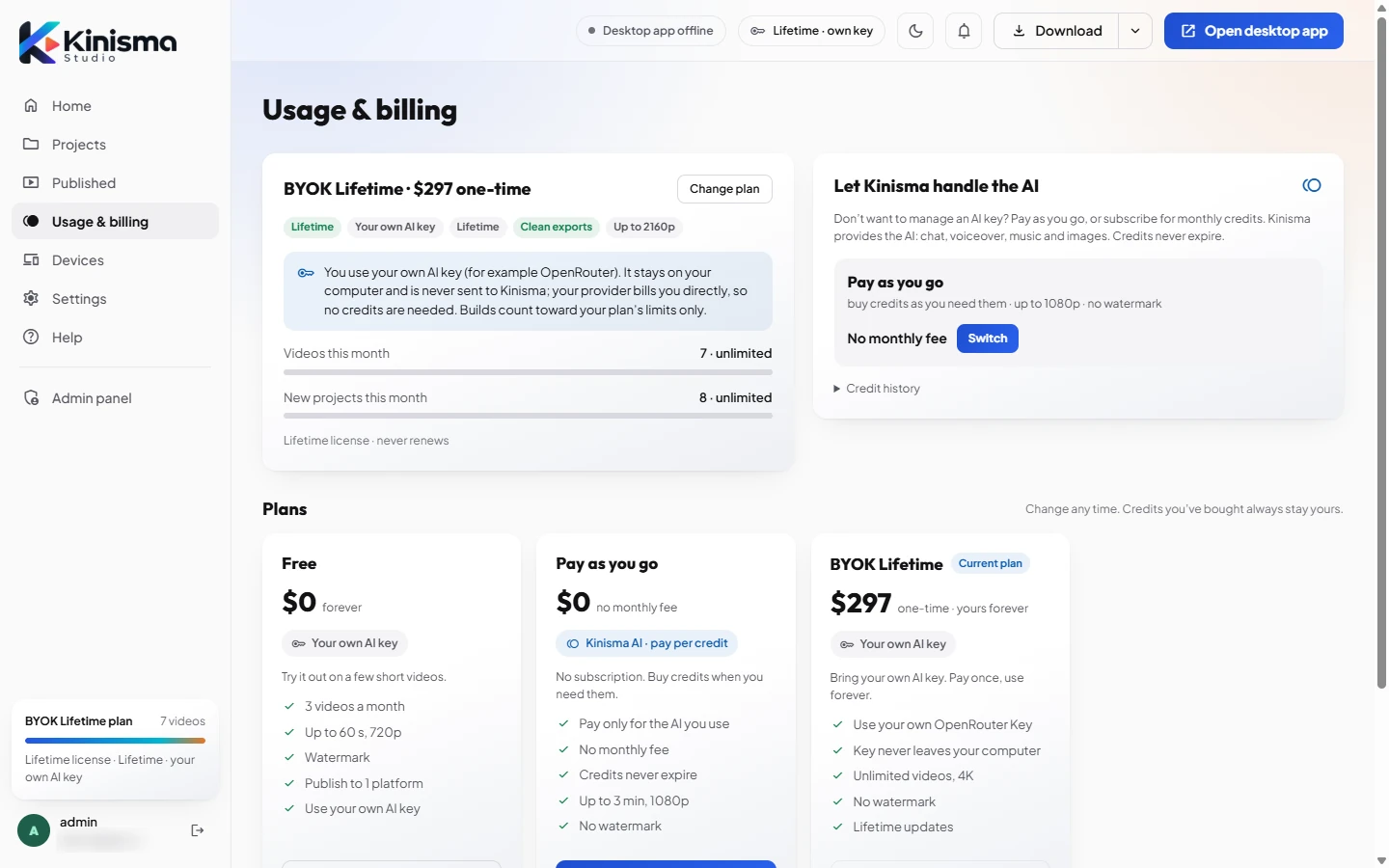
Your plan
The first card shows your current plan, for example BYOK Lifetime · $297 one-time, with what it includes (resolution, watermark, whether you use your own AI key) and this month's usage:
- Videos this month against your plan's limit.
- New projects this month.
Click Change plan to see the plans and switch.
Let Kinisma handle the AI
If you bring your own AI key today, this card offers Pay as you go instead: Kinisma provides the AI and you buy credits, with no monthly fee. Click Switch to change.
If you already use credits, this area shows your AI credits balance with Buy credits, and your AI usage. Credit history lists every purchase and what your builds used.
Plans
At the bottom are the plans side by side: Free, Pay as you go and BYOK Lifetime, with what each includes. Your current plan is marked.
See Plans and credits for the details, and Payments, receipts and refunds for checkout.
Was this article helpful?