
Devices
See the computers signed in to your account, rename them, and sign out a computer you no longer use.
Devices lists the computers signed in to your account. Renders run in the desktop app on these computers.
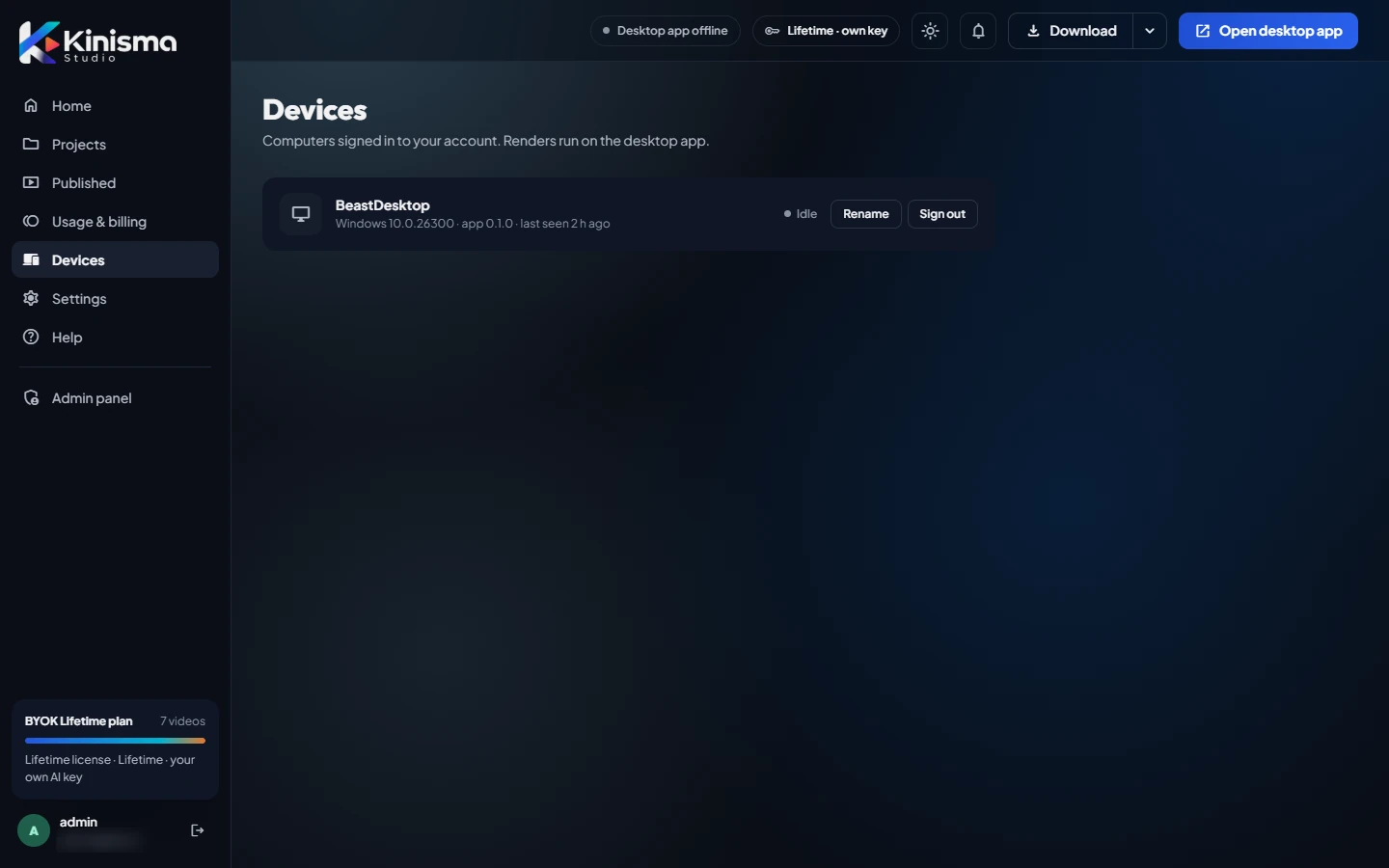
What each device shows
- Name, for example the computer's name.
- Operating system, app version and when it was last seen.
- Status: Rendering while a build is running, Idle when the app is open but not building.
Rename a device
Click Rename and give it a name you'll recognise, like Studio PC or Laptop.
Sign out a device
Click Sign out to sign that computer out of your account, for example a computer you sold or no longer use. The desktop app on it will ask to sign in again.
Was this article helpful?
Still stuck?Write to [email protected] or use the contact page. Tell us your computer (Windows or macOS) and what you tried.