
Projects
See every video project, which computer it's on and its status, and open it in the desktop app.
Projects lists every video you've started in Kinisma Studio, on any of your computers.
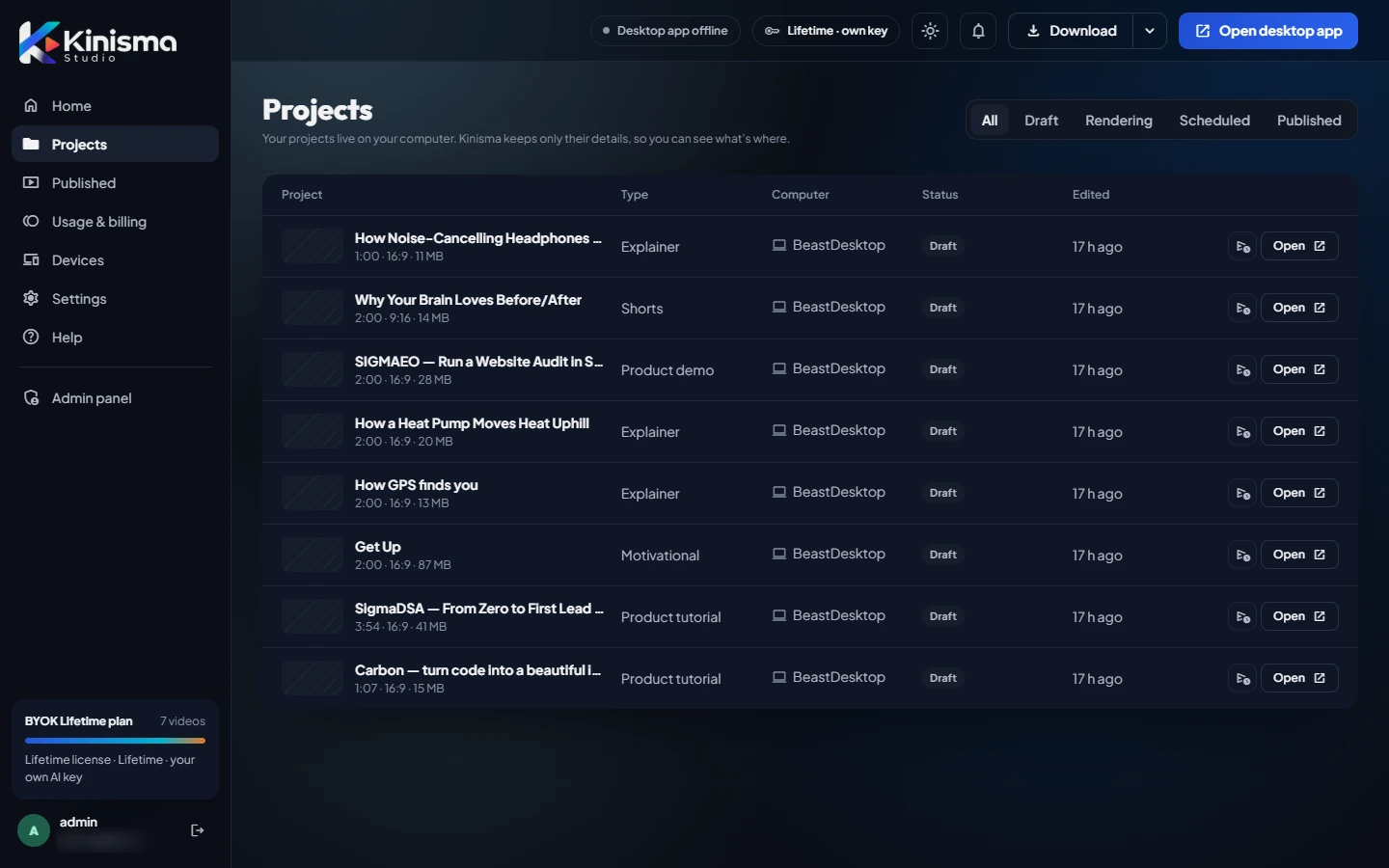
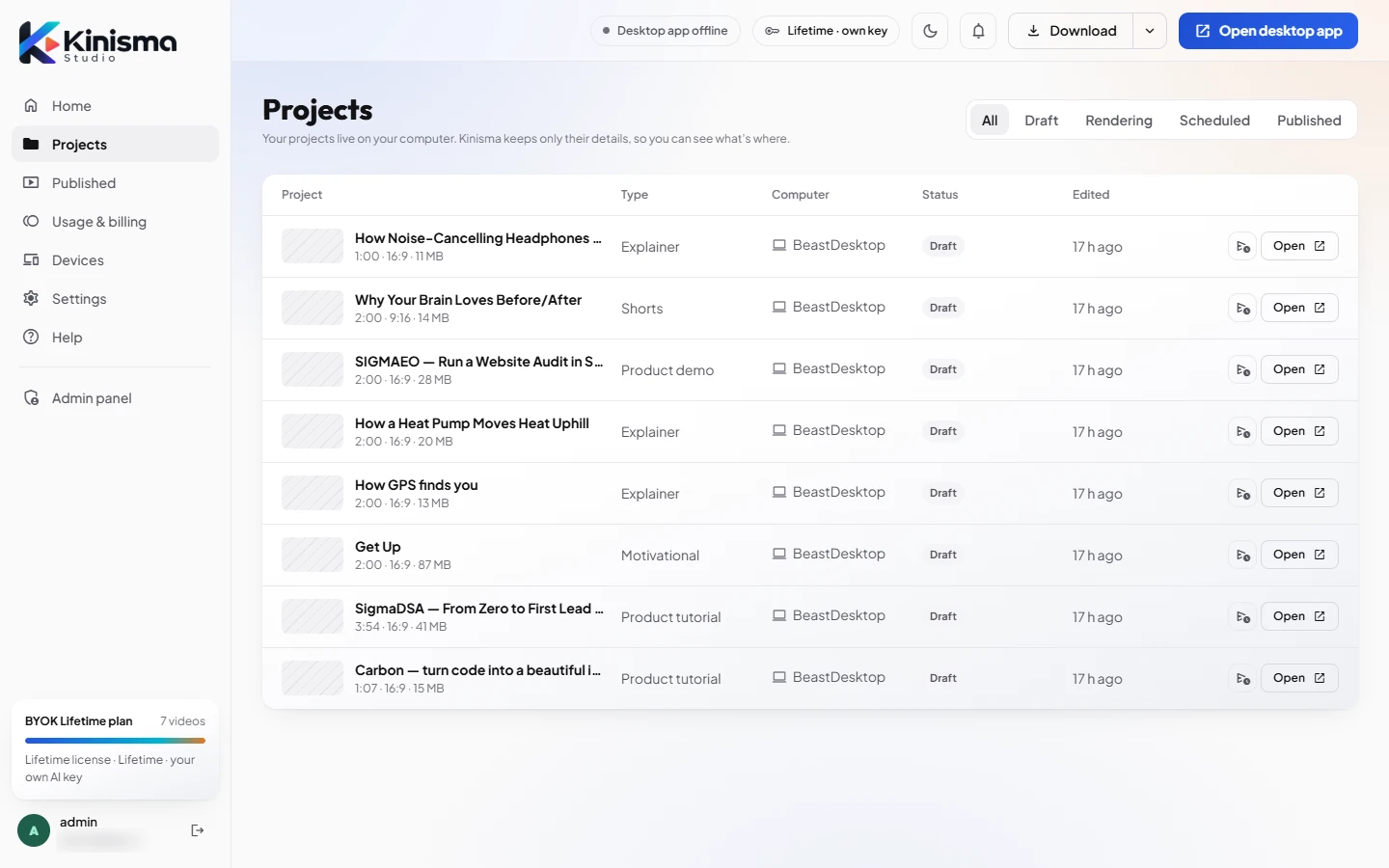
The list
Each row shows:
- Project: title, length, aspect ratio (16:9 or 9:16) and size on disk.
- Type: Explainer, Shorts, Product demo, Product tutorial, Motivational and so on.
- Computer: the device the project is on.
- Status: for example Draft, or Rendering while the desktop app builds it.
- Edited: when it last changed.
Filters
Use the tabs at the top right to show All, Draft or Rendering projects.
Open a project
Click Open to open the project in Kinisma Studio on this computer. The desktop app must be installed; if it's on a different computer, open it there.
Was this article helpful?
Still stuck?Write to [email protected] or use the contact page. Tell us your computer (Windows or macOS) and what you tried.