
Home
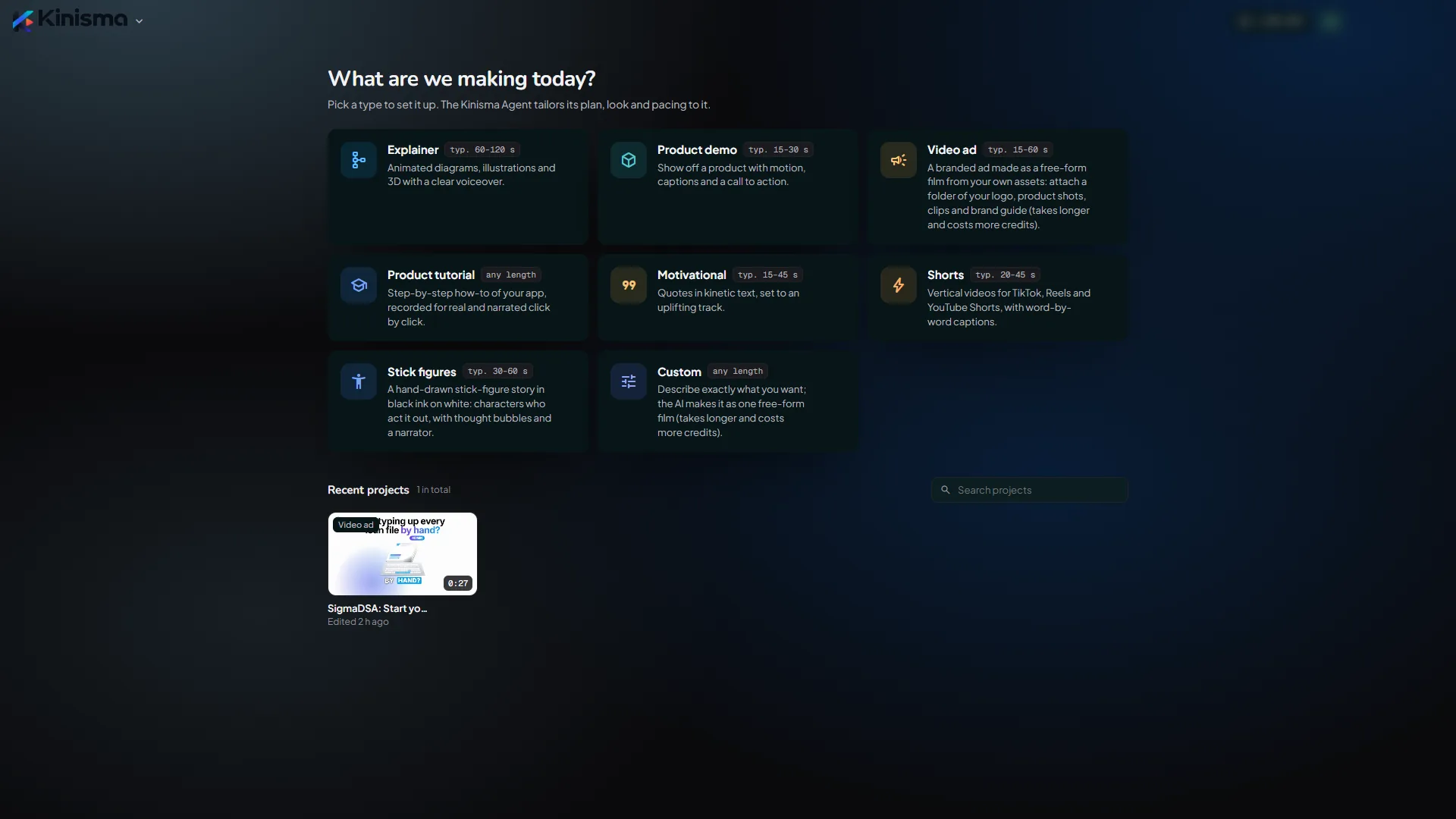
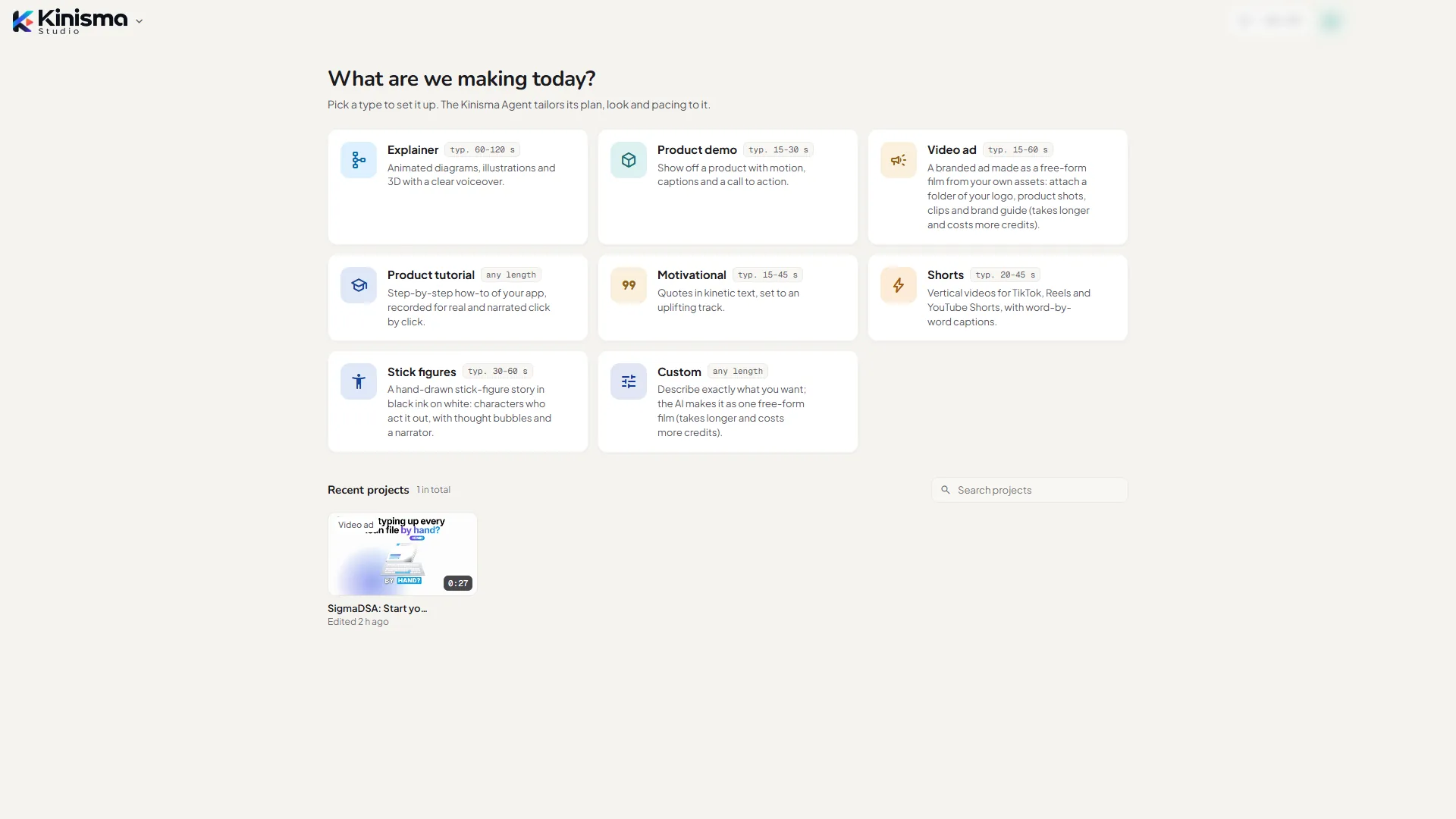
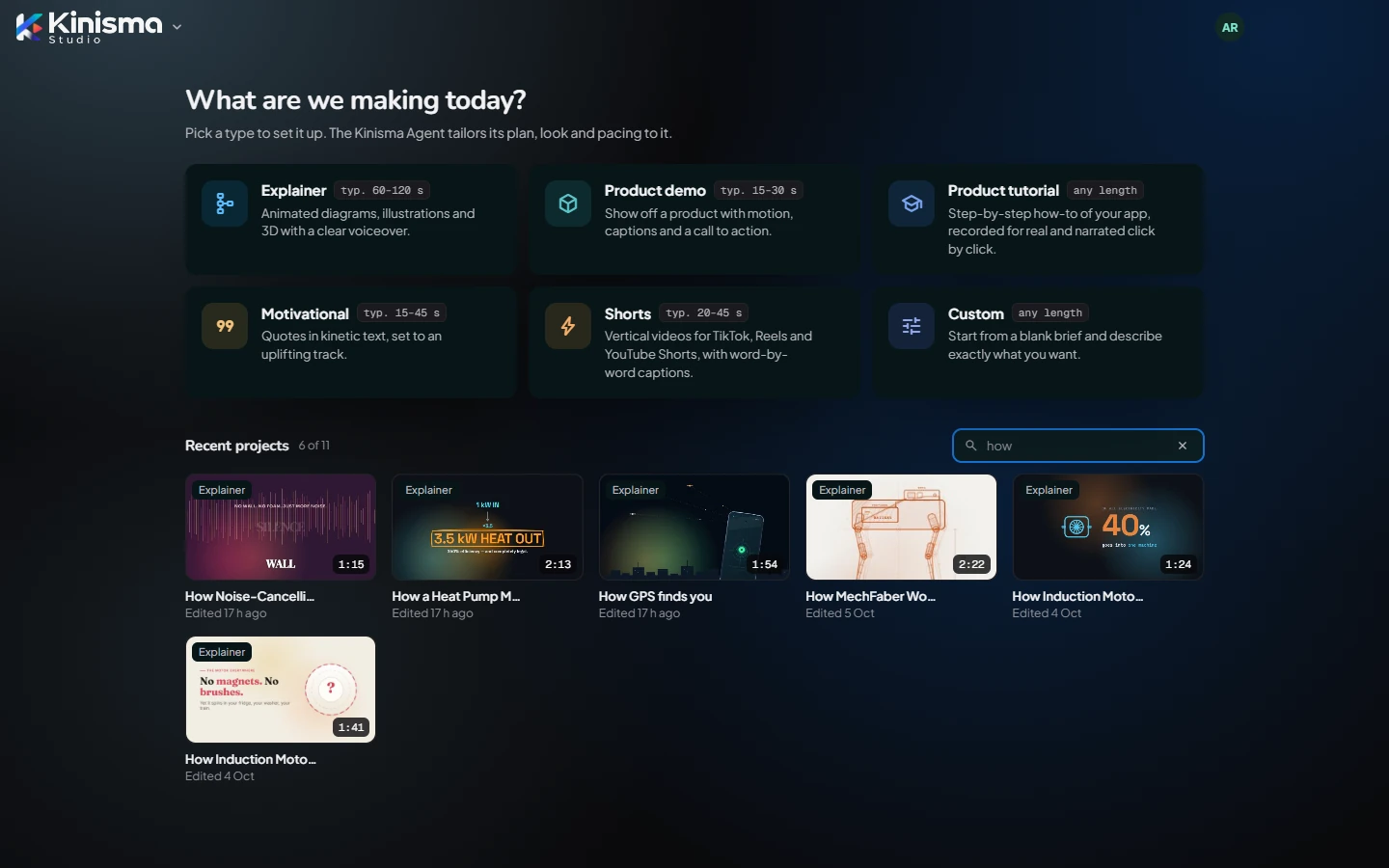
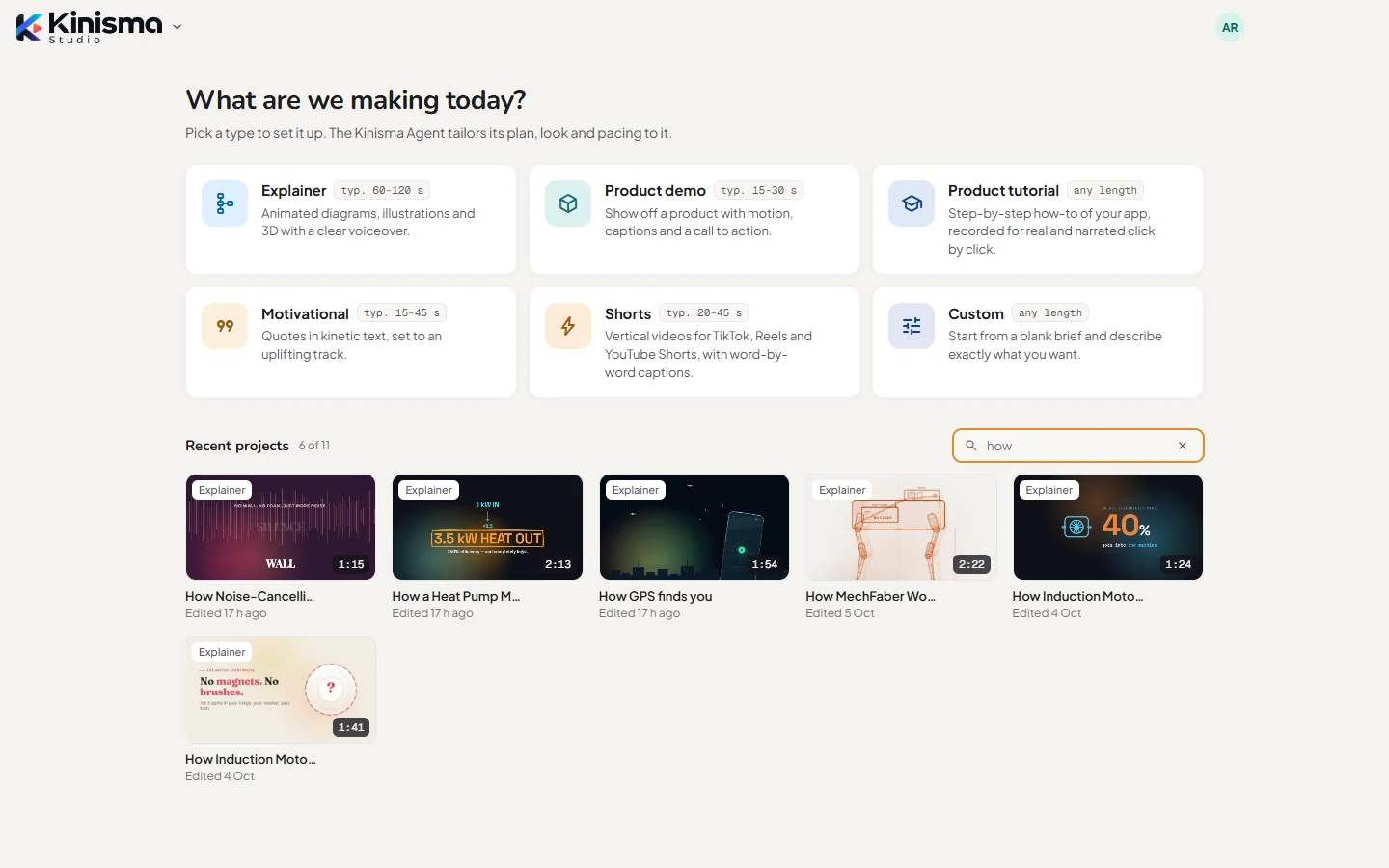
Kinisma Studio's Home screen, where you start videos by type, search and open projects, use your templates and see your plan at a glance.
Home is the first screen you see, and where every new video starts.
The top bar
- Kinisma logo (left): the main menu. See Menus and shortcuts.
- Restart to update: appears when a new version of the app has downloaded. See Updates.
- Upgrade: on the Free plan, opens the plans on the website.
- Credits: on pay-as-you-go plans, your Kinisma credit balance.
- Avatar (right): your account menu.
What are we making today?
Six cards, one per video type. Each shows a short description and a typical length; click one to open the New video window.
| Type | Typical length | Shape |
|---|---|---|
| Explainer | 60–120 s | 16:9 |
| Product demo | 15–30 s | 16:9 |
| Product tutorial | any length | 16:9 |
| Motivational | 15–45 s | 9:16 |
| Shorts | 20–45 s | 9:16 |
| Custom | any length | 16:9 |
The lengths are only a guide: pick any length in the New video window, or ask for one in your brief. See Video types.
Your templates
When you've saved templates, they appear under the cards. Click one to start a new video with the same settings and structure on a new topic. See Templates.
Recent projects
Your 10 most recently edited projects, newest first. Each card shows the video's cover, its type, its length and when you last edited it.
- Click a card to open it in the Studio.
- Show in folder opens the project's folder.
- Delete project moves the folder to the Recycle Bin, after you confirm.
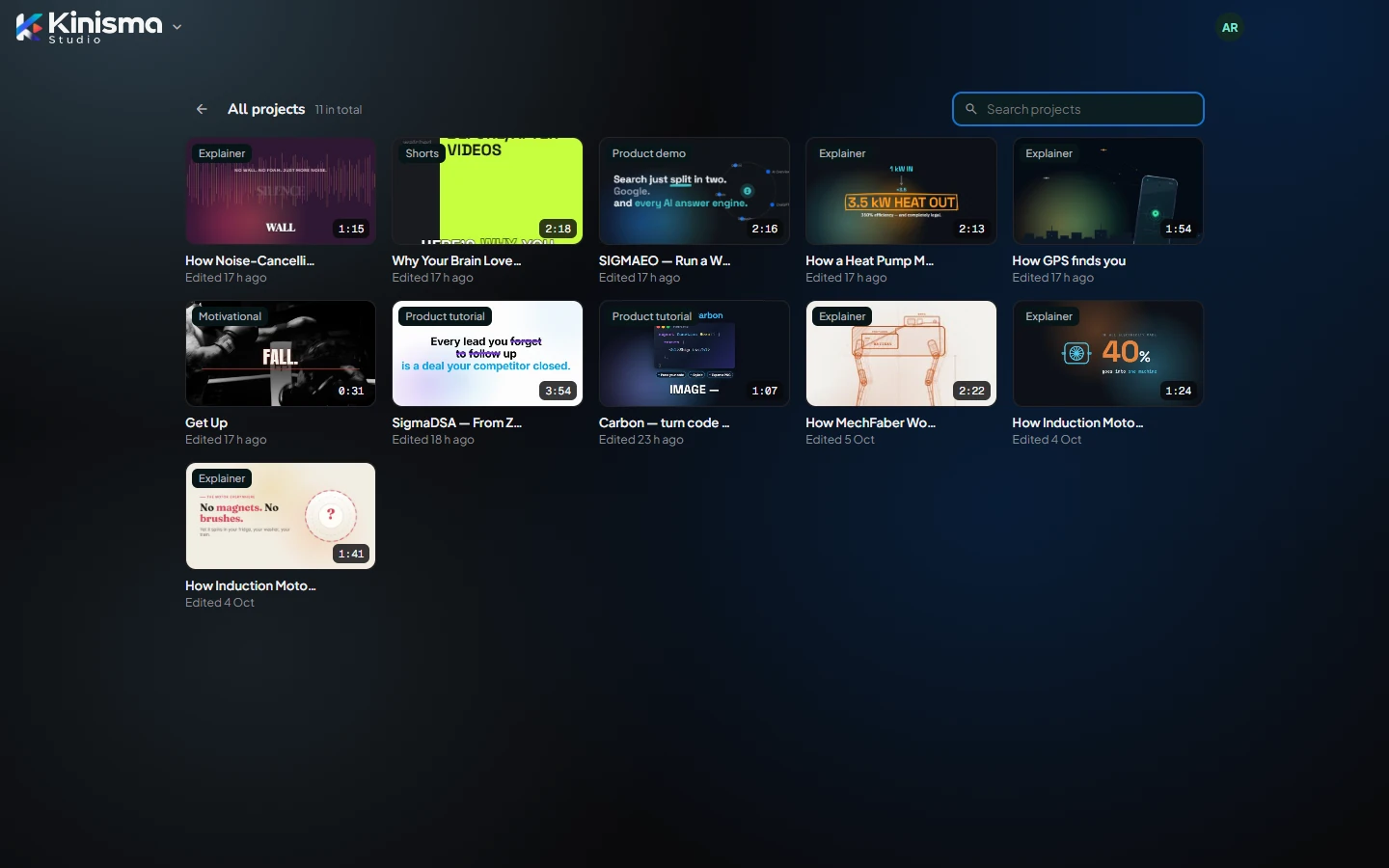
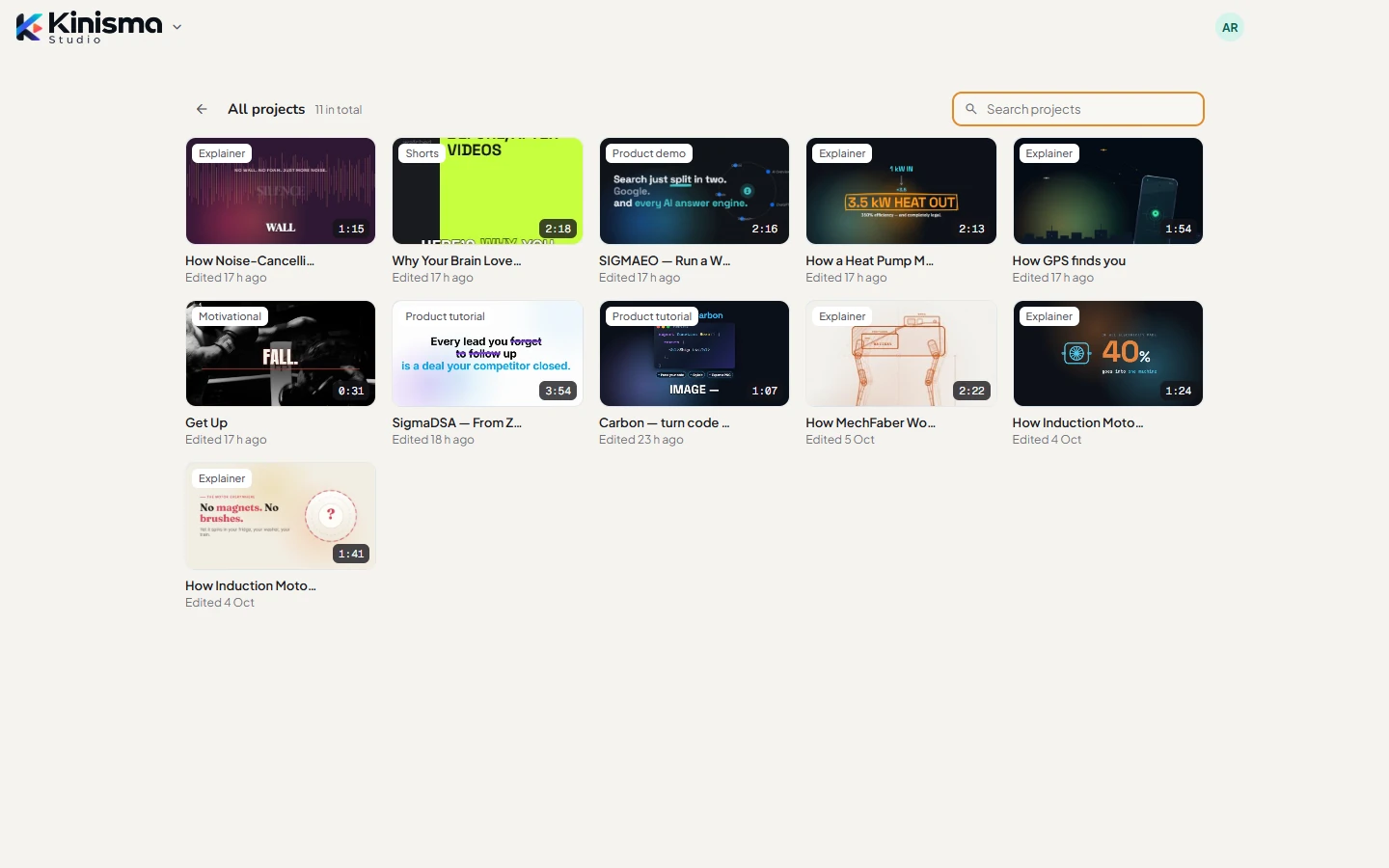
With more than 10 projects, All projects at the bottom lists every one.
Search
Type in Search projects to filter by title or video type. Search looks through all your projects, not only the recent ones. Press Esc to clear it.
When you can't start a video
If your plan's limit for new projects this month is reached, or you're signed out, a message appears above the cards with a button to Upgrade or Sign in. See Plans and credits.
Questions
Where did my project go?
Home shows your 10 most recent projects. Click All projects to see every one, or search: search looks through all of them.
Can I get a deleted project back?
Yes. Deleting a project moves its folder to the Recycle Bin, so you can restore it from there. It reappears in Kinisma Studio when the app next starts.
Was this article helpful?