
Stick figures
Tell a story with hand-drawn stick figures in black ink on white. Characters act it out with expressions, poses, bubbles and props, and a narrator tells it.
Stick figures turns a story, or a message told as a story, into a hand-drawn cartoon: black ink on white, characters who act it out, and a narrator.
Make a stick-figure story
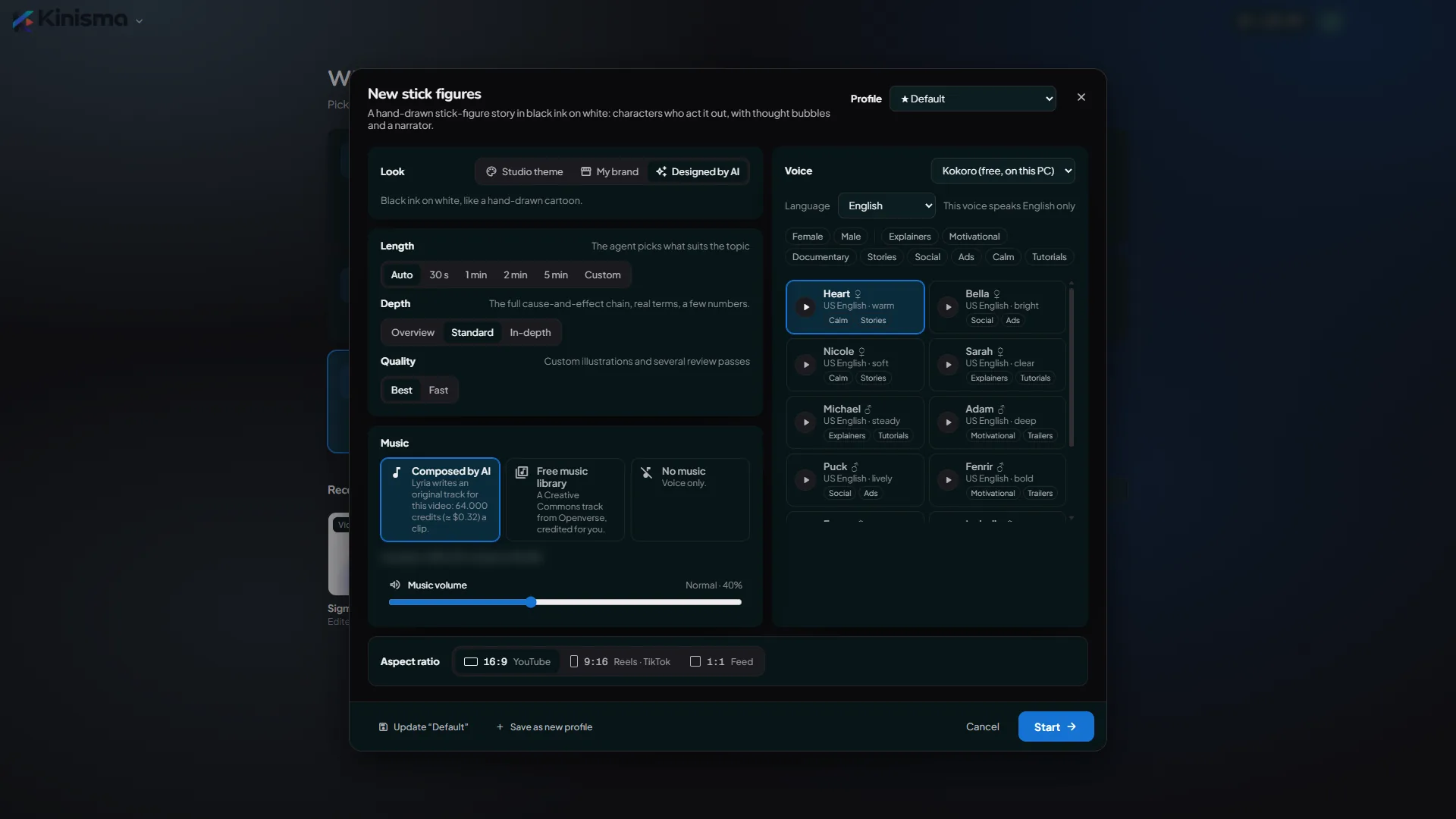
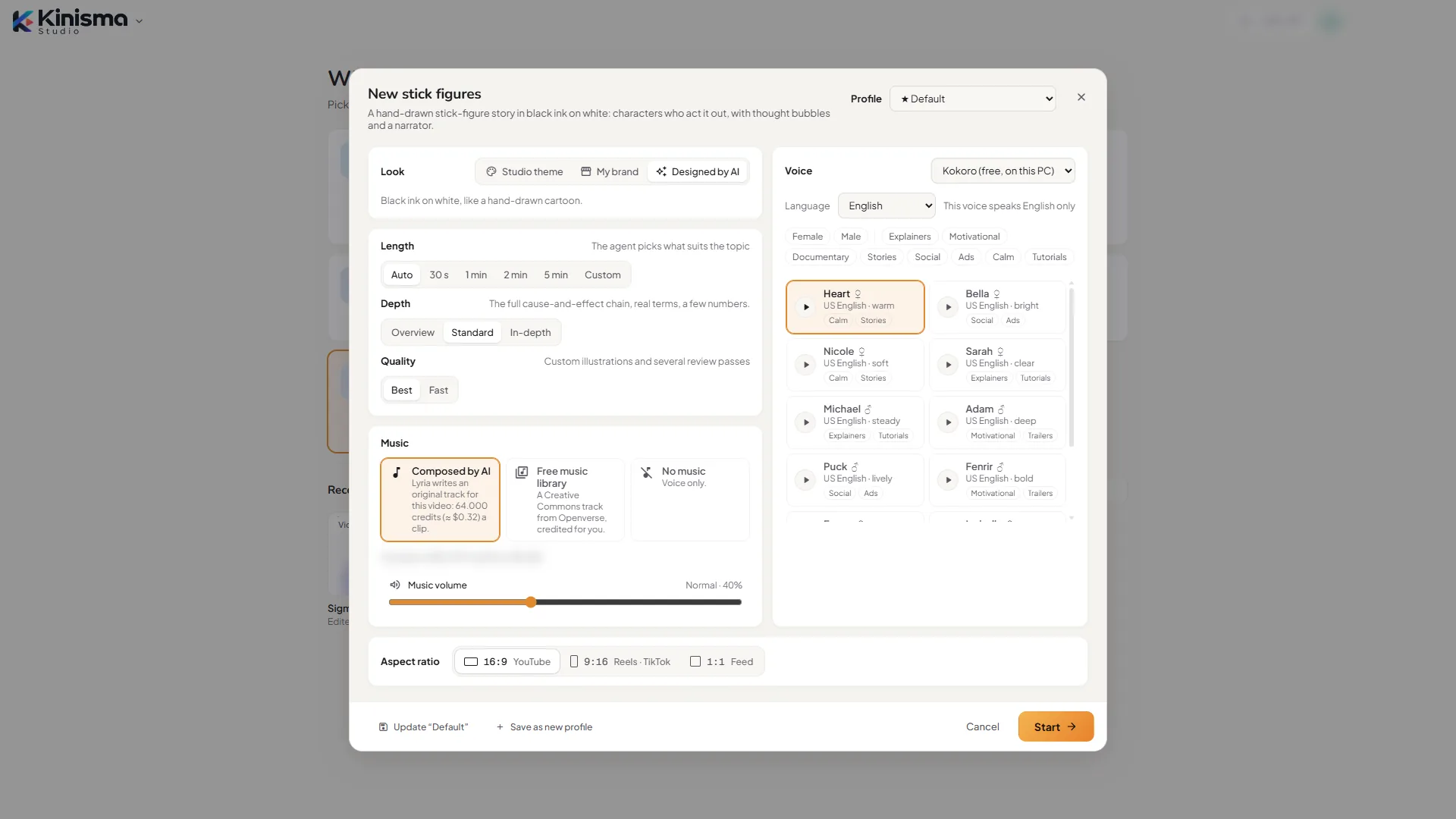
- On Home, pick Stick figures.
- Keep Look on Designed by AI (black ink on white, like a hand-drawn cartoon) and click Start →.
- Describe the story: who it's about, what goes wrong, the turn and the lesson. For example: "Sam buys a tiny plant to be more organised, forgets it while working late, and panics when it droops; neighbour Mia says 'You both need water and sunlight'." No idea yet? Pick Brainstorm and ask for story ideas.
- Kinisma writes the story, casts the characters and shows the storyboard. Click Approve.
- Each scene is staged with the characters' poses, faces, bubbles and props. Voice and music are added.
- Watch it, ask for changes ("make Mia wave as she walks in"), then export it.
What's in a stick-figure video
- Short scenes of 3–7 seconds, with hard cuts inside a sequence and fades between sequences. Usually 30–60 seconds on Auto.
- Original characters, each with its own look, kept the same in every scene, the same size and fully in frame.
- Acting: about 25 expressions and 26 poses, gestures and walks. Walking figures move across the scene, sitting figures sit on their seats, and characters can fold paper, such as a paper plane.
- Props in hand: a parcel, an umbrella or a box stays in the character's hands and is held the right way.
- Real-world sizes: doors, houses, cars and benches are drawn to scale next to the characters.
- No captions over the drawing: words appear only in speech and thought bubbles and on signs.
- Symbols and bubbles: sweat drops, Zzz, light bulbs, stress lines, thought and speech bubbles, and signs.
- Props: desks, chairs, laptops, clocks and more. Anything else the story needs is drawn by AI illustrators in the same ink style.
- A hand-lettered font (Patrick Hand), a narrator, and light, playful music by default.
Tips
- Give it a turn. A story with something going wrong and a lesson is more watchable than a list of points.
- Name your characters. Names become a cast with fixed looks.
- Direct one scene. Select a scene and say what the character should do; only that scene changes.
Questions
What can the characters do?
About 25 expressions and 26 poses, gestures and walks, with symbols like sweat drops, Zzz, light bulbs and stress lines, thought and speech bubbles, signs and props like desks, chairs, laptops and clocks.
My story needs a van. Can it draw one?
Yes. Anything the kit doesn't have is drawn by AI illustrators in the same ink style.
Can I change the colours?
Yes. It's black ink on white by default. Choose a Studio theme or My brand under Look instead.
Do the characters look the same in every scene?
Yes. Each character gets its own look, such as hair, glasses or a tie, and keeps it from the first scene to the last.
Was this article helpful?