
All video tutorials
Every Kinisma Studio video tutorial in viewing order, from a first look at the app to product demos and tutorials.
Short videos that show Kinisma Studio in action, narrated step by step. Watch them in order, or jump to the one you need. Each has its own page with the video and its transcript, and a link to the full guide.
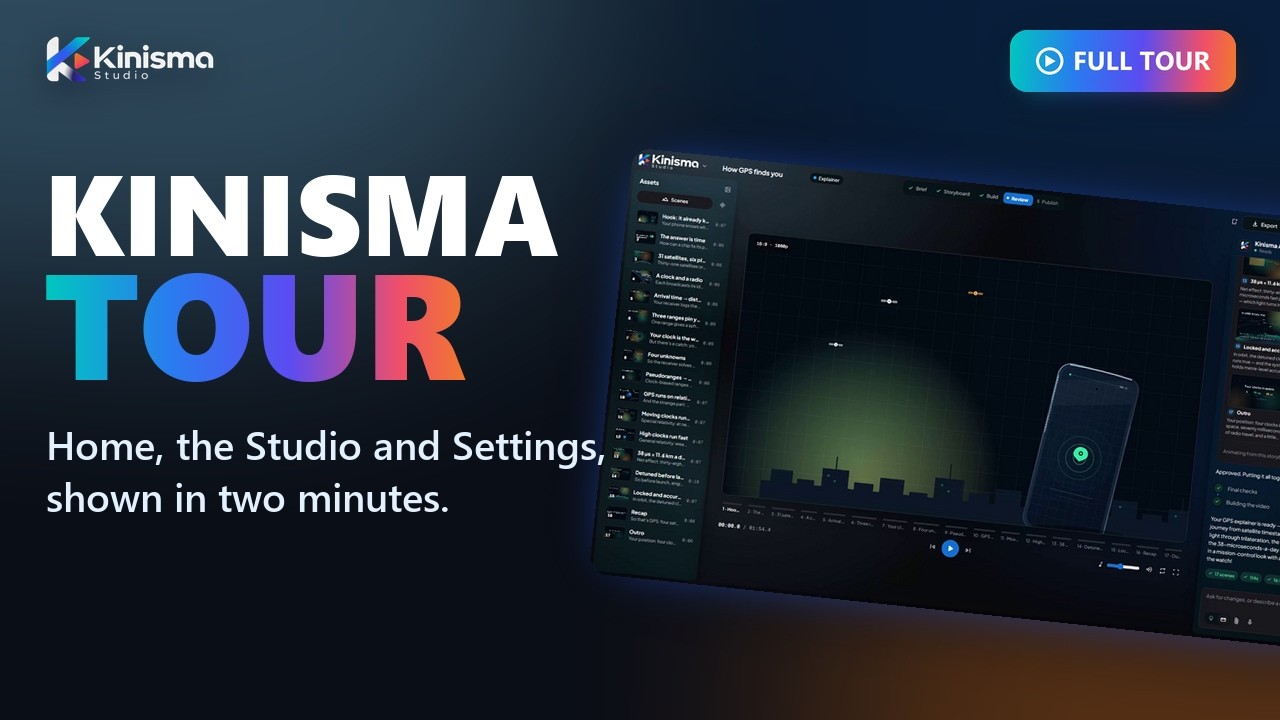 1A first look at Kinisma StudioA two-minute tour of Kinisma Studio: where your videos start, where they’re made, and where to find your settings.
 2Make your first videoA complete, narrated video from a single sentence, from picking the type to the finished MP4.
 3Choose the look, voice, length and musicEvery option in the New video window, and how to save your favourite settings as a profile.
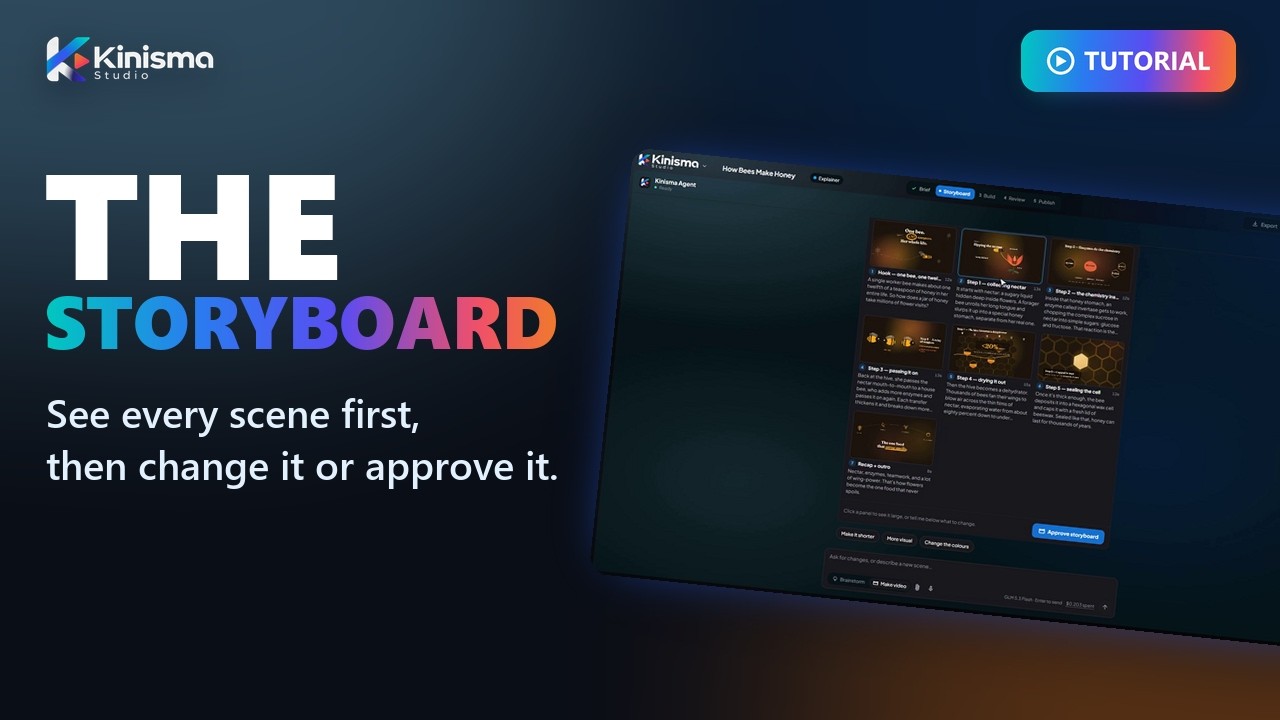 4StoryboardThe plan the agent shows you before it builds anything, and how to change it.
 5Work with the agentHow to change a finished video just by asking, for the whole video or a single scene.
 6Voices and narrationHow to choose the narrator when you start a video, and change the voice later.
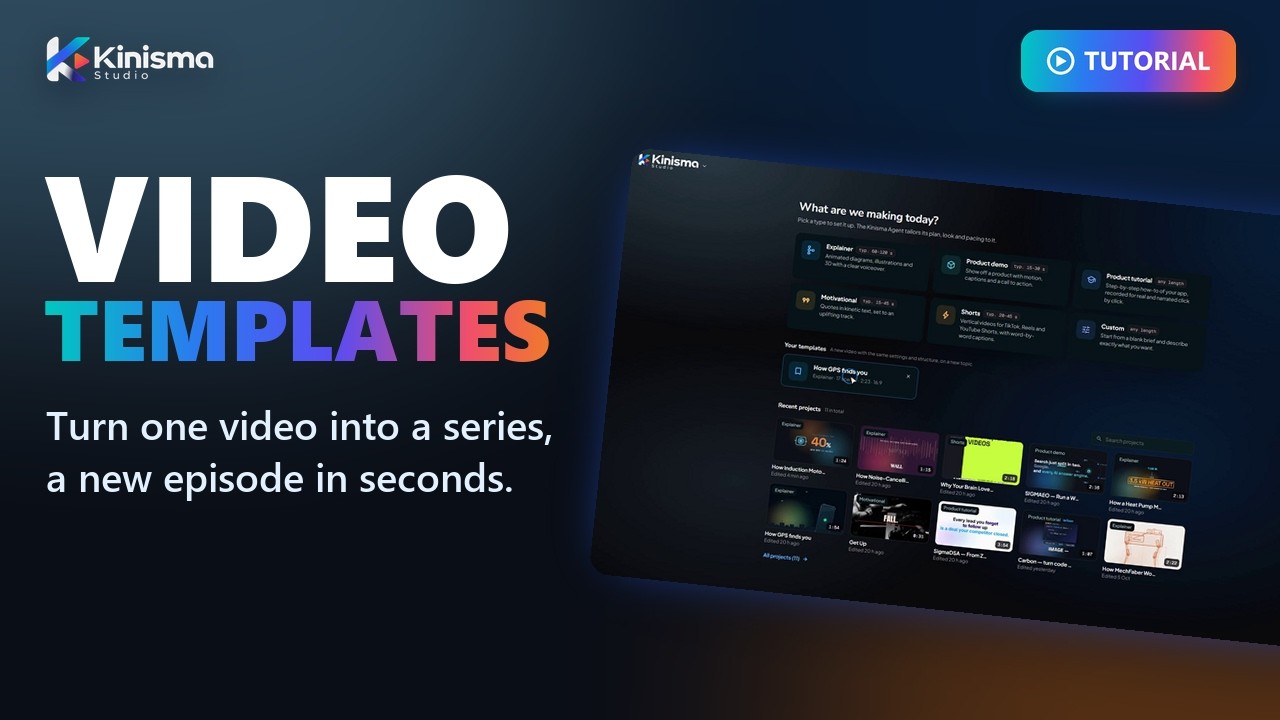 7TemplatesHow to turn a video you like into a template, so the next episode of a series starts in seconds.
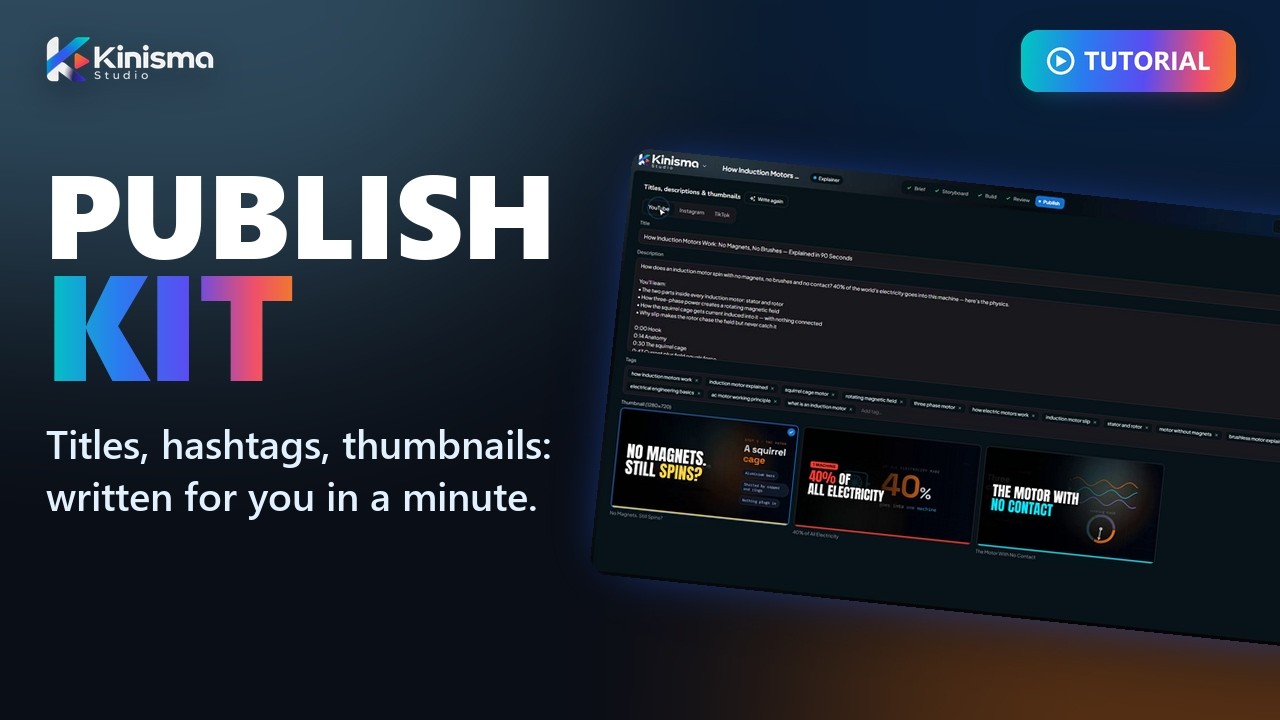 8The publish kitHow Kinisma writes everything that goes with your video: titles, descriptions, hashtags and thumbnails.
 9Product demos and tutorialsA tutorial of a real website made from one sentence: the agent films your actual product, not a mock-up.
Was this article helpful?
Still stuck?Write to [email protected] or use the contact page. Tell us your computer (Windows or macOS) and what you tried.