
Video ads
Make a branded ad from your own logo, product shots, clips and brand guide. Attach a folder, say what it sells and to whom, approve the plan, and Kinisma builds it as one film.
A Video ad is a branded ad made from your own assets. Your product shots and clips are the stars; Kinisma writes the hook, picks your best benefits, adds captions and ends on your logo and call to action.
Make a video ad
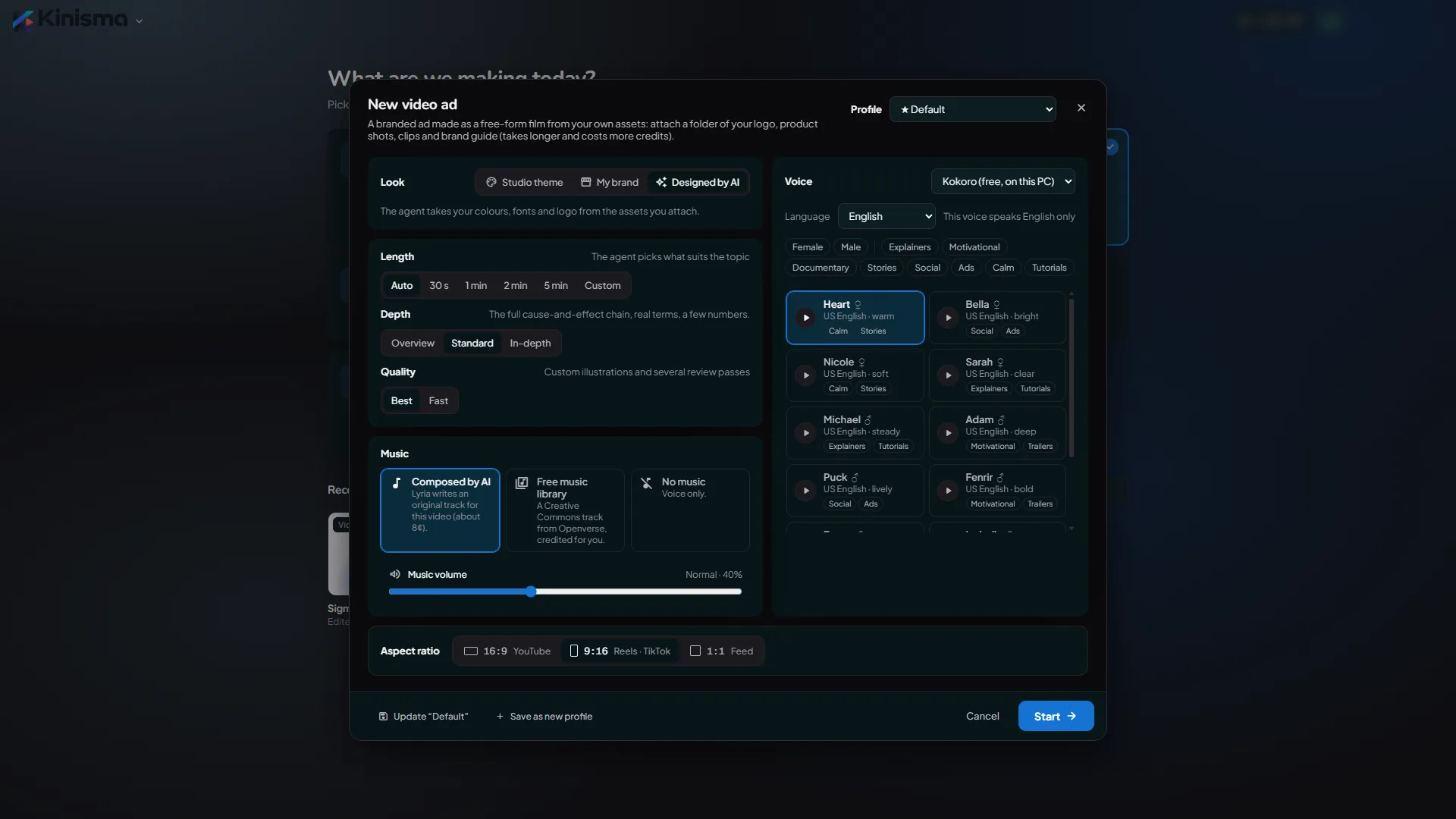
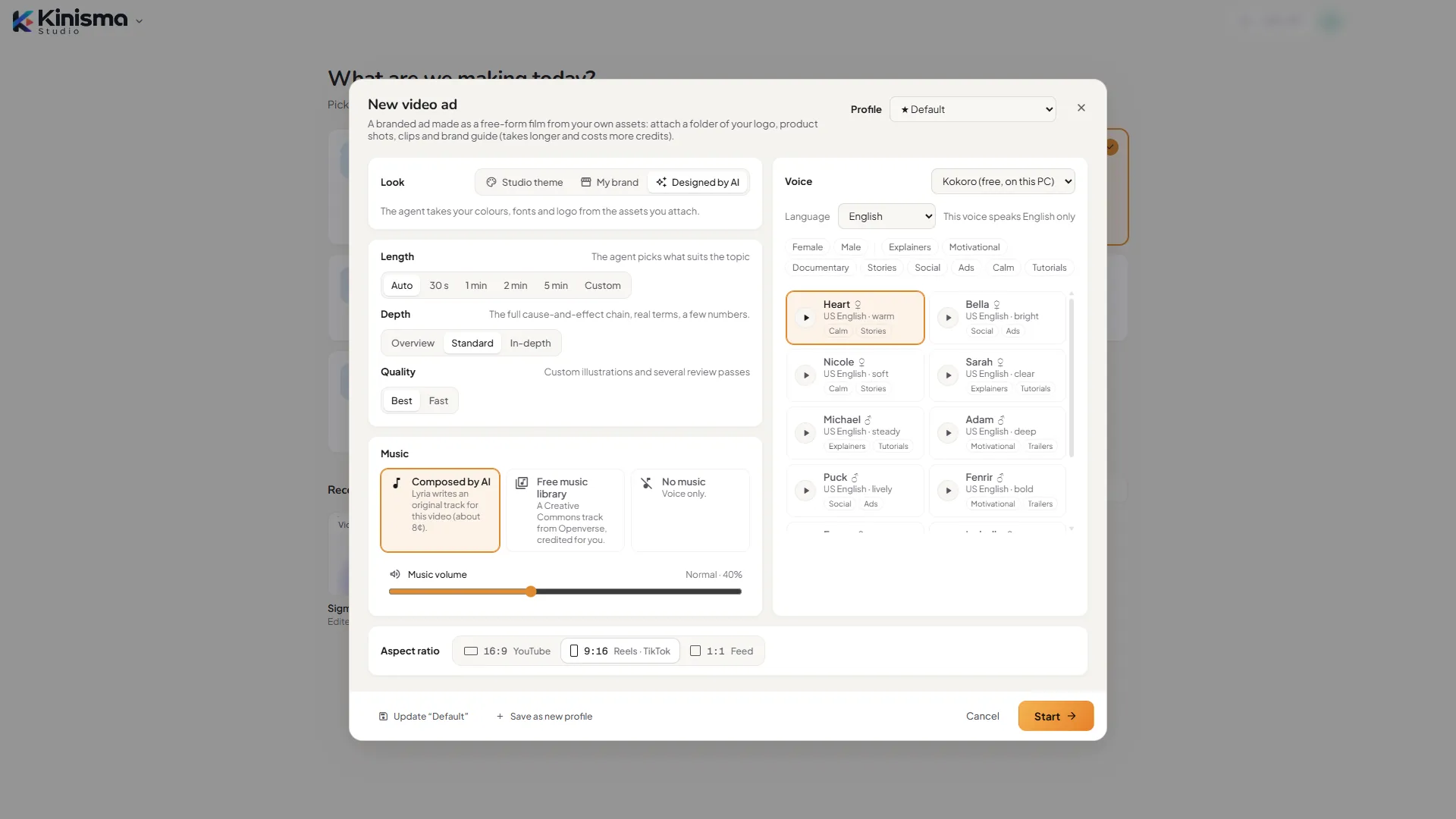
- On Home, pick Video ad.
- In the New video window, keep Look on Designed by AI: the agent takes your colours, fonts and logo from the assets you attach. Choose the shape (9:16 for Reels and TikTok, 1:1 for feeds, 16:9 for YouTube), Quality Best and Length Auto, then click Start →.
- In the chat, click the folder button (Attach a folder of assets) and choose your brand folder, or drag it onto the chat. A chip shows the folder's name and how many files it brought.
- Say what the ad sells, to whom, and any offer, for example "Ad for our loan app for DSAs; 15-day trial for ₹99", and send.
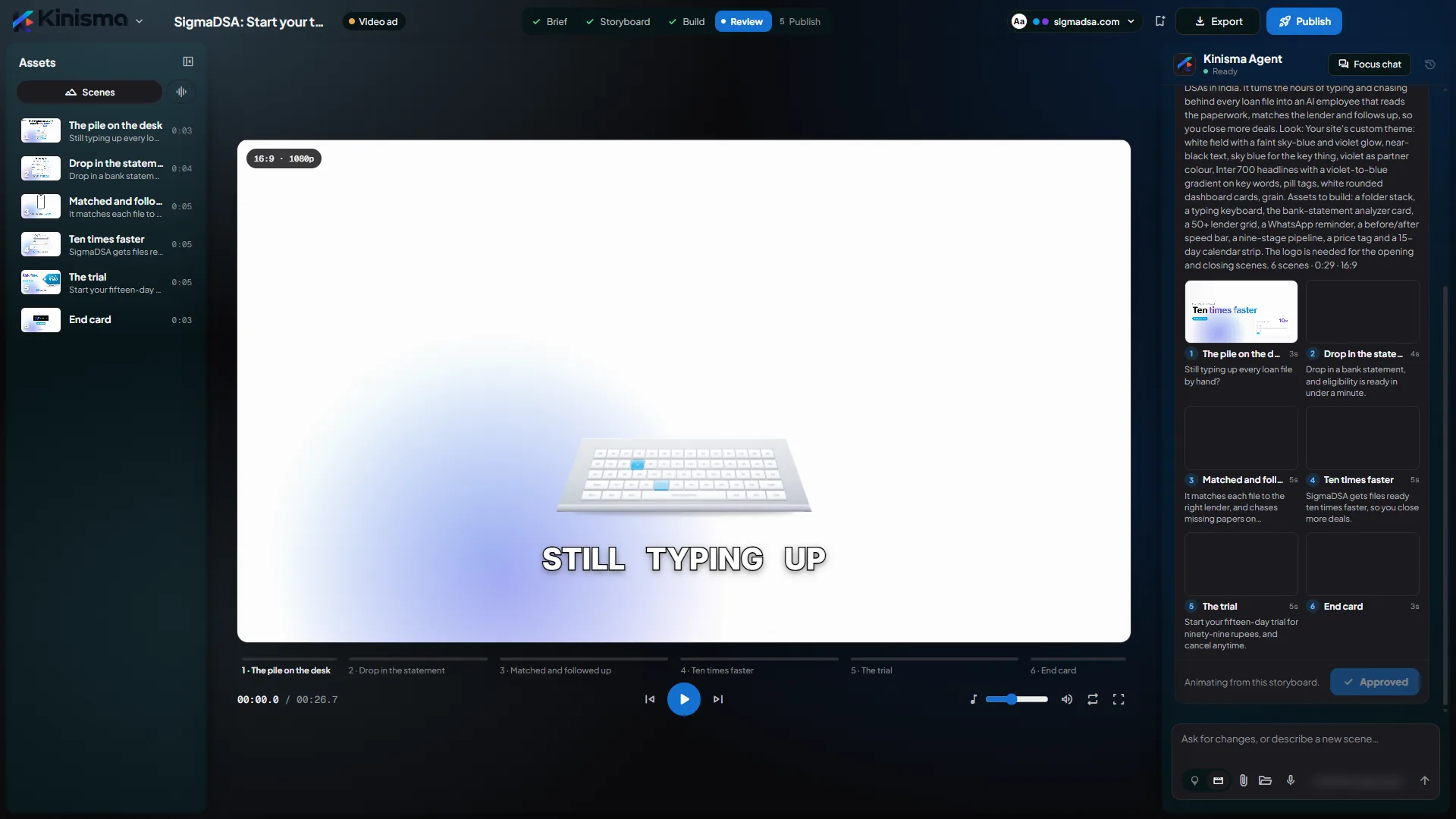
- Kinisma reads your documents, looks at your images and clips, and shows you the plan: the script, the beats and the look, with a style frame. Ask for changes in the chat if you need them.
- Click Approve. The ad is built, voiced and scored.
- Watch it in the preview, ask for edits ("make the hook punchier"), then export it.
No assets yet? The agent asks for them, or for your website, before it plans.
What goes in the folder
- Logo: ideally a transparent PNG or SVG.
- Product shots and lifestyle photos: each benefit is shown with one of them.
- Clips: used as footage at their best moments.
- Brand guide, price list or pitch deck: PDF, Word, PowerPoint or Excel. The agent reads your wording, offer and proof from them, and keeps pictures inside documents for use in the ad.
See Attach files and folders for formats and limits.
What you get
- A hook in the first one or two seconds.
- The pain or desire your product answers.
- Your product with two or three benefits, each a shot of your own asset with a short headline.
- Proof: a number, rating or testimonial from your material.
- The offer, only if your material has one.
- An end card held for at least two seconds, with your logo, call to action and address.
A new beat every 3–5 seconds, and box captions stay on so the ad works with the sound off.
Look
Designed by AI builds the look from your assets. You can also choose a Studio theme, or My brand with your website; your attached logo still goes on the ad.
Quality, time and credits
On Best quality a video ad is made in film mode, as one continuous film rather than separate scenes. It takes longer than other types, often 15–30 minutes, and uses more credits. Fast quality uses the quicker scene-by-scene build.
Questions
What should I put in the folder?
Your logo, product shots, lifestyle photos, short clips, and your brand guide or price list as a PDF, Word, PowerPoint or Excel file. Up to 200 files; subfolders are kept.
Will the ad make claims I didn't give it?
No. Claims, prices and quotes come only from your material. If your files have no offer, the ad has none.
How long is a video ad?
On Auto, as long as the offer needs, usually 20 to 60 seconds. Or pick a length in the New video window.
Why does a video ad take longer and cost more?
On Best quality it's made in film mode: a story writer, an art director, artists, an animator per beat and a critic each work on it. Pick Fast quality for the quicker scene-by-scene build.
Was this article helpful?