
Dashboard overview
Your account at kinisma.com/dashboard: live renders on your computers, credits used and your recent projects at a glance.
Videos are made in the Kinisma Studio desktop app. The web dashboard at kinisma.com/dashboard shows everything around them, from any browser. Sign in with the same account you use in the app.
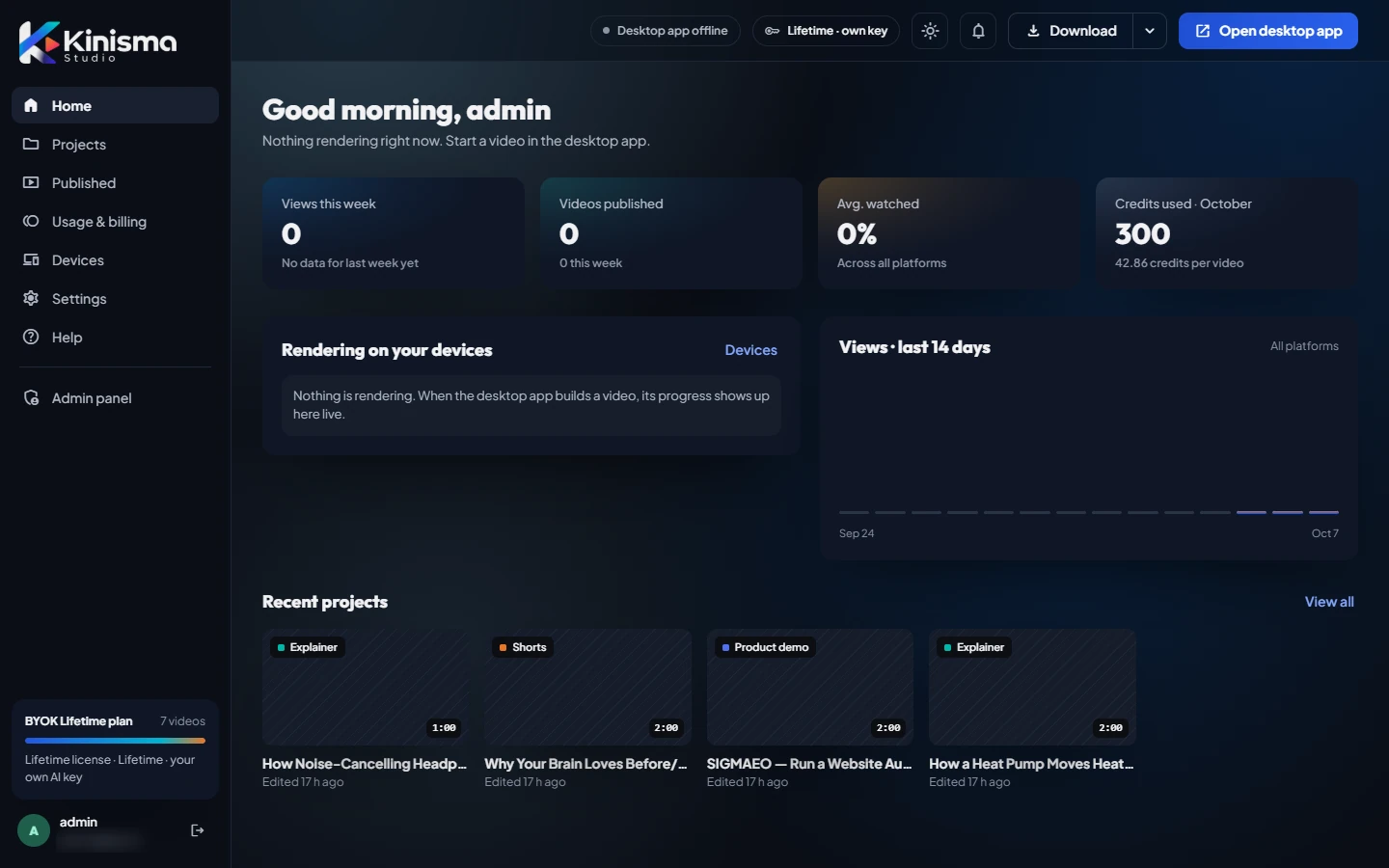
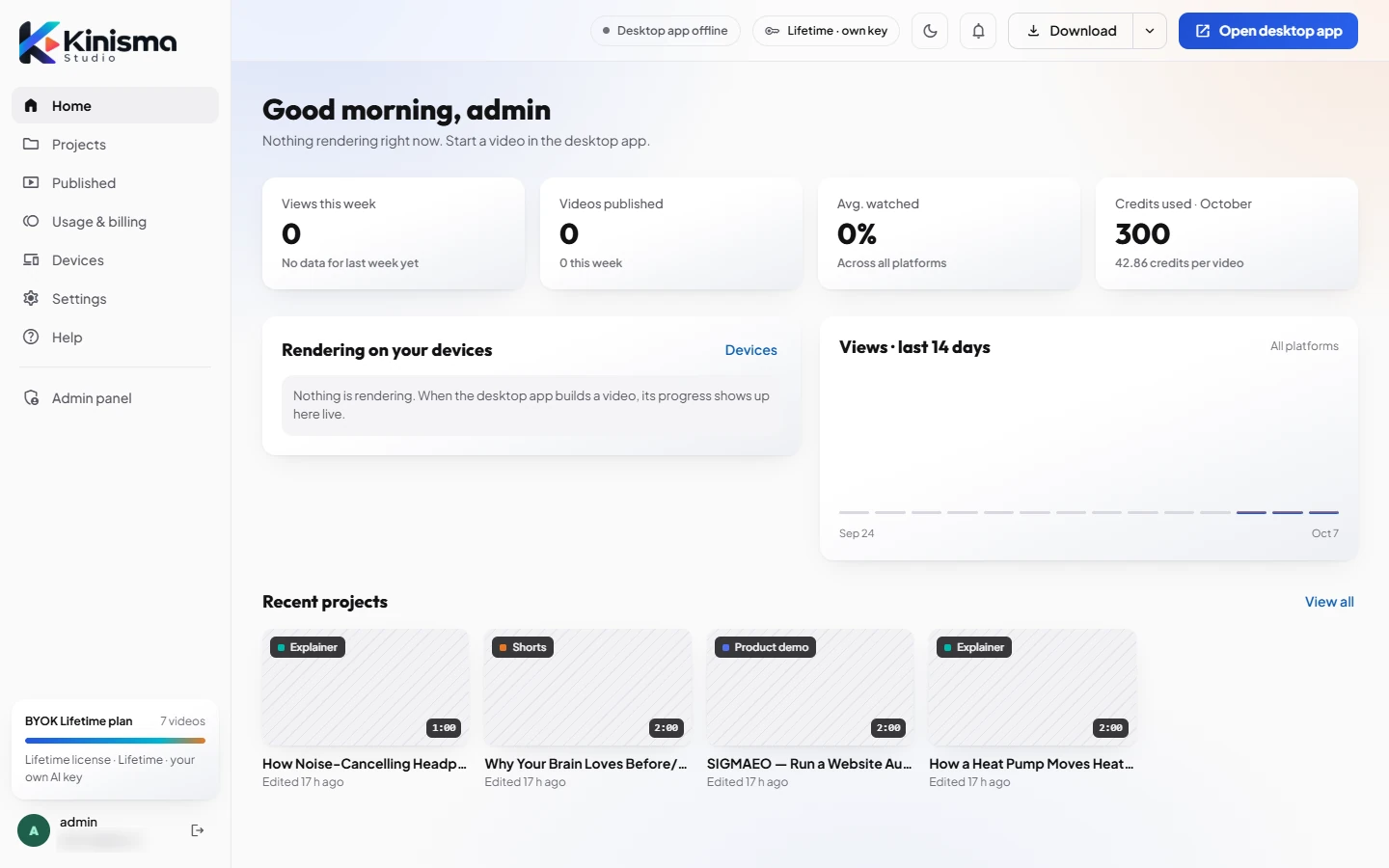
What's on the home page
- Rendering now and your number of recent projects.
- Credits used this month and the average per video, if you use Kinisma credits.
- Rendering on your devices: builds running in the desktop app right now, with live progress.
- Recent projects: your latest videos. View all opens Projects.
The top bar
- Desktop app online / offline: whether Kinisma Studio is running on one of your computers.
- Your plan, for example Lifetime · own key.
- The theme button switches between dark and light.
- Download gets the desktop app for your computer. The arrow next to it offers the other platform.
- Open desktop app opens Kinisma Studio if it's installed.
The sidebar
| Page | What it's for |
|---|---|
| Projects | Every video project and where it is |
| Usage & billing | Your plan, credits and AI usage |
| Devices | Computers signed in to your account |
| Settings | Preferences, profile and password |
| Help | This help center |
The card at the bottom of the sidebar shows your plan and how many videos you've made this month.
Was this article helpful?
Still stuck?Write to [email protected] or use the contact page. Tell us your computer (Windows or macOS) and what you tried.